Introduction
Philips Hue smart lighting goes beyond traditional illumination, offering a transformative experience for homes with millions of vibrant colors at your command. Whether it’s setting a dynamic ambiance for a social gathering or creating a calming retreat after a long day, Philips Hue grants the flexibility to personalize lighting in any space. This innovation not only enhances aesthetics but also integrates seamlessly into your smart home ecosystem, boosting efficiency and connectivity. Dive into the versatile world of Philips light color change and unlock new possibilities for your living spaces with intuitive setup, creative applications, and simple troubleshooting steps.
Understanding Philips Hue Light Colour Change
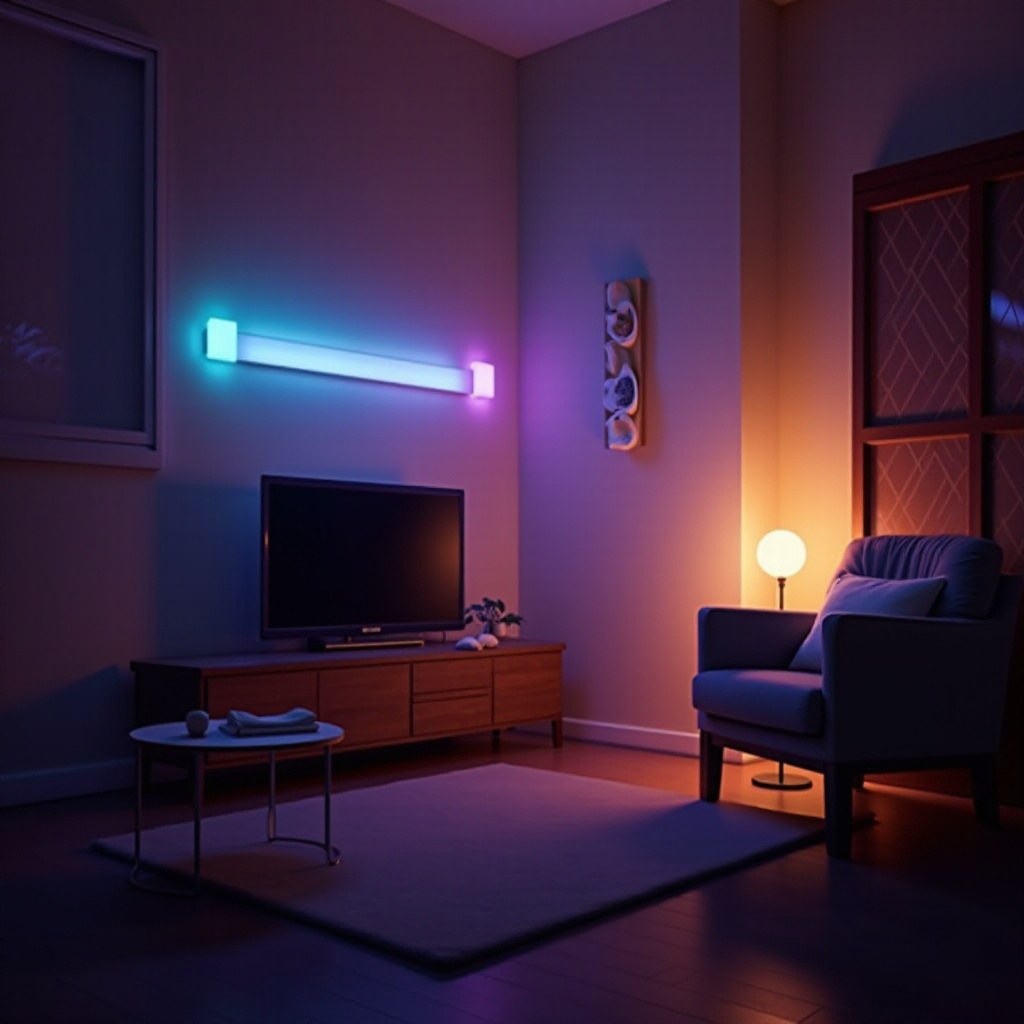
At the forefront of smart home solutions, Philips Hue lighting technology brings advanced color-changing capabilities to the table. The system comprises smart LED bulbs, a pivotal Hue bridge, and a user-friendly mobile app to control lights remotely and tailor them to personal preferences. With a palette encompassing millions of colors, Philips Hue empowers users to select shades that align perfectly with different moods and occasions.
The hallmark of Philips Hue lies in its ease of integration. Compatibility with voice assistants like Amazon Alexa and Google Assistant adds to its user-friendly appeal, ensuring that controlling your home’s atmosphere is as simple as a voice command or a tap on your device. This integration facilitates a cohesive smart home experience that enhances the enjoyment and utility of each space.
Benefits of Philips Light Colour Change in Smart Homes
Philips Hue lights offer extensive benefits that reach far beyond visual enhancement. A primary advantage is the ability to transform ambiance, allowing users to shift seamlessly from a pragmatic work environment to a serene and relaxing setting. This functionality enhances productivity and comfort by enabling tailored lighting conditions for various tasks and moods.
Additionally, Philips Hue lights are engineered for energy efficiency. They consume less power than traditional bulbs, which translates to reduced energy bills and supports a sustainable lifestyle by minimizing environmental impact. This combination of energy efficiency and personalization makes Philips Hue an investment in both ecology and personal comfort.
Integrating Philips Hue within existing smart home ecosystems is straightforward. Automation and synchronization with other devices are seamless, contributing to a more connected and convenient living experience. This level of integration ensures your smart home operates as a unified entity, maximizing efficiency and ease of use.
Setting Up Philips Hue for Optimal Color Change Experience
Embarking on your Philips Hue journey is straightforward. Begin by installing the bulbs into current fixtures, ensuring a secure fit for optimal operation. Next, connect the Hue bridge to your Wi-Fi network, acting as the communication hub linking your smart bulbs.
- Download the Philips Hue app on your smartphone or tablet.
- Follow the app’s on-screen instructions to connect to the Hue bridge and bulbs.
- Integrate your system with voice assistants like Alexa or Google Assistant for voice-controlled lighting.
The Philips Hue app is crucial for personalized lighting experiences. It allows users to design routines, develop scenes with preferred lighting configurations, and easily adjust brightness and color temperatures. Through a bit of exploration, you can craft the perfect atmosphere to complement any occasion.
Creative Uses for Philips Light Colour Change
Philips Hue lights inspire numerous creative uses that elevate home living. Mood setting emerges as a prominent feature, with the ability to use vivid colors to create lively environments or soothing hues for relaxation and focus.
Further enhancing entertainment options, Philips Hue can synchronize with music, movies, or games. By dynamically adjusting lighting to match the on-screen action or musical beat, your living room transforms into an immersive multimedia domain.
Philips Hue also offers practical applications for seasonal decorating without needing additional decorations. Simply switch to orange hues for Halloween or red and green for festive winter holidays, effortlessly adding seasonal flair to your home decor.
Troubleshooting Common Philips Hue Light Issues
Despite its many advantages, users may occasionally encounter issues with Philips Hue. Here are common troubleshooting steps:
- Connectivity Problems: Ensure the Hue bridge is within effective range of your Wi-Fi router. Restart your network if persistent connection issues arise.
- Sync Issues with Voice Assistants: Re-link your Philips Hue account with your voice assistant to restore voice control functionality.
- Faulty Color Changes: Check for firmware updates via the Philips Hue app, as outdated software can lead to performance problems. If needed, power cycle the bulbs to reset functionality.
By following these fixes, you can maintain a seamless and efficient lighting system, ensuring your Philips Hue lights perform optimally to enhance your smart home experience.
Conclusion
Philips light color change offers more than a functional lighting solution—it’s a gateway to a more intelligent living environment. By allowing customization to align with personal preferences and lifestyle, Philips Hue lights have the transformative power to turn ordinary moments into memorable experiences. With Philips Hue, redefining how you engage with your living spaces has never been easier or more rewarding.
Frequently Asked Questions
How can I automate my Philips Hue lights to change color at specific times?
Automate changes in your Philips Hue app by setting routines under the ‘Routines’ section. Specify time, color, and brightness preferences for automatic adjustments.
Are Philips Hue lights compatible with all smart home systems?
Philips Hue lights are broadly compatible, including with major systems such as Alexa, Google Assistant, and Apple HomeKit, ensuring integration within diverse smart home setups.
What should I do if my Philips Hue lights are not responding to my app?
Check that the Hue bridge is connected to Wi-Fi and verify for app updates. If issues persist, restart the app or power cycle the bulbs.