Introduction
Choosing a laptop without bloatware ensures a clean and efficient computing environment. Bloatware refers to the unnecessary software pre-installed by manufacturers, which often causes slowdowns by consuming valuable resources. Understanding and eliminating these unwanted programs allows you to enjoy a seamless user experience. This guide explores what bloatware is, its impact on your laptop, and how to select a device that promises a bloatware-free experience.

Understanding Bloatware
Bloatware can significantly affect the performance of your laptop, so understanding it is crucial to making an informed purchase.
What is Bloatware?
Bloatware consists of pre-installed applications that most users find unnecessary. Manufacturers install these programs to generate additional revenue or provide perceived value. However, these applications often remain unused, contributing to device clutter and potential security vulnerabilities.
How Bloatware Affects Laptop Performance
The presence of bloatware can noticeably degrade your laptop’s performance. These superfluous programs consume RAM and processing power, slowing down your system and reducing efficiency. As these applications automatically load, they increase start-up times and run in the background, potentially draining battery life faster. Opting for a laptop without bloatware ensures smoother operation and conserves resources for essential tasks.
Why Choose a Laptop Without Bloatware?
Opting for a bloatware-free laptop enhances overall performance and user satisfaction. This decision offers several significant advantages, including operating speed and battery efficiency.
Enhanced Performance
Laptops designed without bloatware operate more smoothly and efficiently. They forgo unnecessary programs, allowing the device’s full capacity to focus on running essential software. This feature is especially beneficial for professionals and creatives who require peak performance from their laptops.
Improved User Experience
A bloatware-free laptop ensures a streamlined and user-friendly experience. Users gain control over installed software, leading to personalized computing. This cleaner interface enhances intuitive navigation and minimizes security risks, offering confident usage.

Top Laptop Brands for Minimal Bloatware in 2024
Many leading brands have responded to consumer demands by offering laptops with minimal or no bloatware, which maximizes customer satisfaction.
Dell
Dell offers customizable laptops, allowing consumers to reduce pre-installed software, especially in their XPS and Latitude series, popular among professional users seeking clean systems.
Microsoft
Microsoft Surface devices are known for their minimalistic setups. By focusing on optimal Windows experiences, these laptops typically come with only essential applications, ensuring interference-free performance.
Apple
Apple’s MacBooks are synonymous with a clean operating environment, offering a tailored set of applications that support productivity and creativity without unnecessary software.
Each of these brands ensures that your laptop comes optimized for performance, focusing on the applications that matter most.
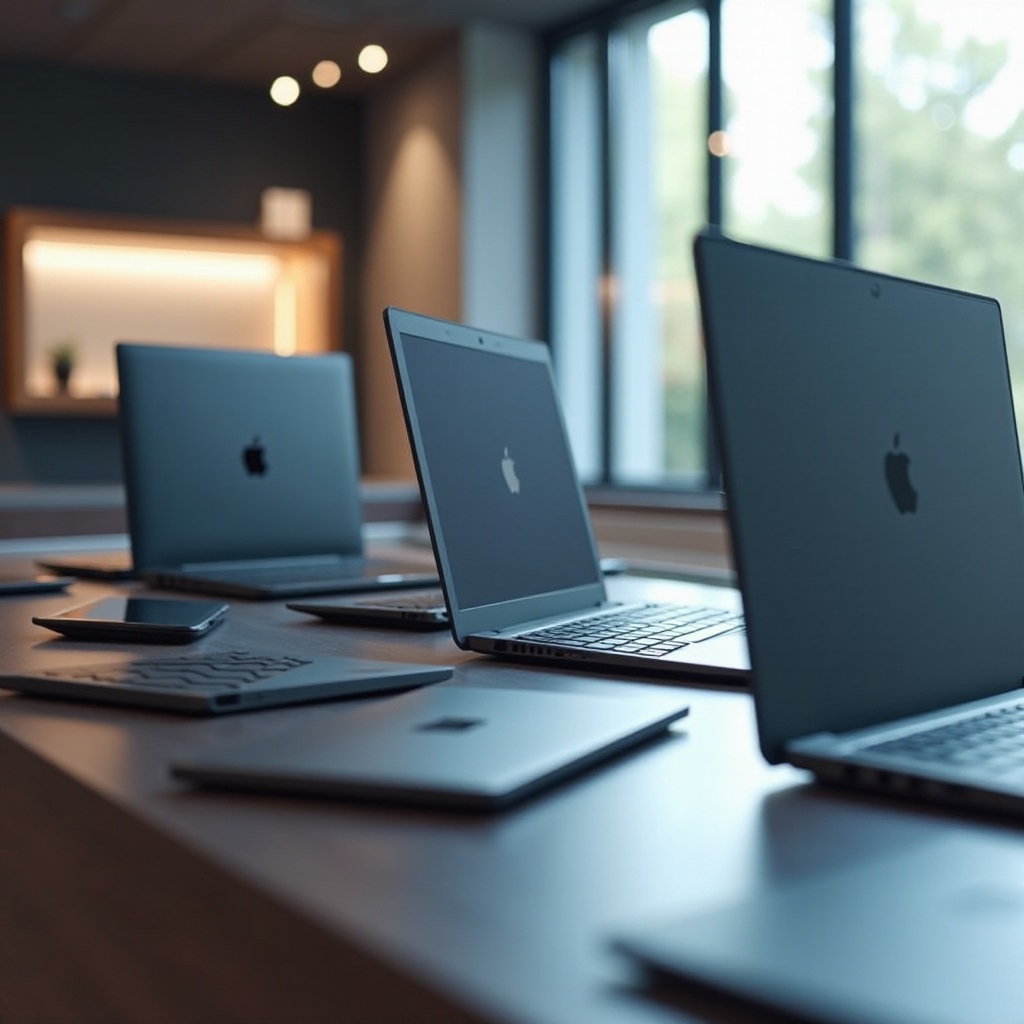
Features to Look for in a Bloatware-Free Laptop
When selecting a new laptop, look for specific features and specifications that ensure a clean experience.
Essential Specifications
Select laptops with high-performance processors (i5/i7 or M1/M2 for Mac), at least 8GB of RAM, and SSD storage to guarantee quick data access, robust performance, and efficient multitasking.
Operating System Choice
Operating systems impact bloatware presence; thus, choosing systems known for streamlined simplicity, like Windows 10/11 Pro or macOS, allows for greater customization and fewer default applications.
Customization and Upgrade Options
Seek laptops that offer straightforward future upgrades. Opt for models that make it easy to enhance memory and storage as your needs grow over time.
How to Remove Bloatware from Your Existing Laptop
Even existing laptops burdened with bloatware can be improved with strategic actions to reclaim device performance.
Manual Removal Techniques
- Identify Unwanted Software: Review and remove non-essential applications via the Control Panel or Settings menu.
- Manage Start-Up Programs: Utilize Task Manager to prevent unwanted programs from launching at start-up, optimizing boot times.
Recommended Bloatware Removal Tools
- PC Decrapifier: This free tool helps identify and remove bloatware efficiently.
- CCleaner: Primarily for cleaning temporary files, CCleaner also manages start-up apps and uninstalls unnecessary software.
- AdwCleaner: It focuses on removing adware and potentially unwanted programs, freeing up valuable system resources.
These methods, along with manual interventions, help maintain or restore your laptop’s speed and functionality.
Conclusion
By choosing a laptop without bloatware, you enhance the digital experience with improved speed, efficiency, and user control. Understanding bloatware and its impacts allows informed selections, whether in choosing a new laptop or optimizing a current one. Opt for brands that prioritize minimizing pre-installed software and remain vigilant about maintaining a clean system. This approach ensures a powerful, distraction-free computing experience, focused on empowering your productivity and creativity.
Frequently Asked Questions
What are common examples of bloatware?
Common bloatware includes trial software, promotional apps, and manufacturer-specific utilities, which are often unnecessary for the average user.
Can bloatware affect battery life?
Yes, bloatware can run in the background, using CPU and RAM resources, which can significantly reduce battery life.
Is it worth paying more for a laptop without bloatware?
Investing in a bloatware-free laptop can lead to productivity gains, reduced frustration, and improved device longevity, making it worthwhile.