Introduction
Samsung phones are known for innovation and top-tier performance, but some users face a perplexing issue: the device seems to overheat without feeling hot. This situation can lead to performance drops and user anxiety. Identifying the problem’s nuances is crucial for effective resolution and prevention, ultimately enhancing your device experience.
What Does ‘Overheating But Not Hot’ Mean?
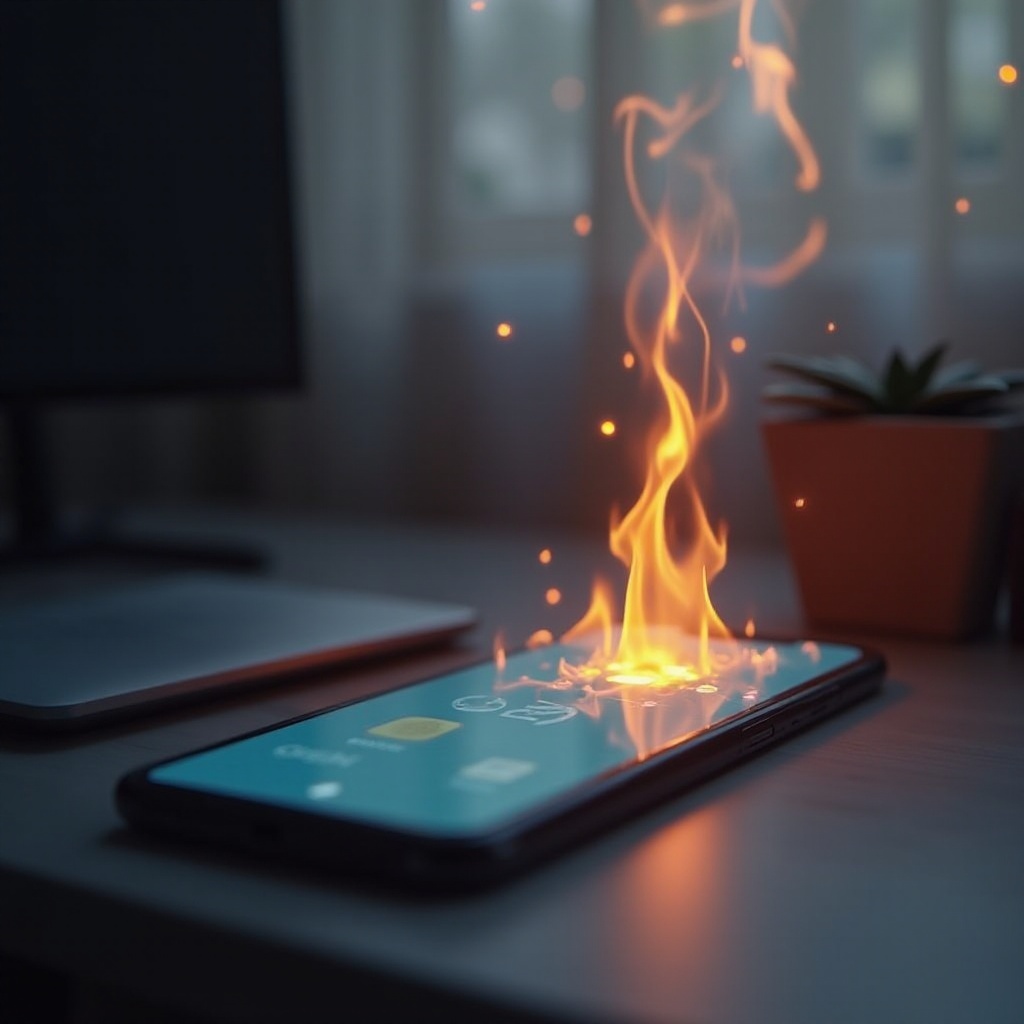
Overheating without a hot touch refers to scenarios where your Samsung phone shows overheating signs like lags, restarts, or battery drainage, but the exterior isn’t warm. This happens due to internal conflicts rather than an external heat rise. Instances like software glitches or multitasking processes cause this issue. Understanding this phenomenon is vital for proper handling and solution application.
Common Causes of Samsung Phone Overheating
Software Glitches and Bugs
One primary reason for these overheating symptoms is software glitches. Faulty apps or operating system bugs often exacerbate resource use, leading to an overcharged processor despite no external heat sensation. Ensure regular updates for apps and the OS to minimize such pitfalls, ensuring optimal resource utilization.
Background Applications and Processes
Another common cause is background application processing. These apps continue operations, updating, or refreshing content without user awareness, which quietly taxes resources. Periodically review and close unnecessary background apps to reduce strain, thus alleviating overheating symptoms.
Environmental Influence
External conditions such as sunlight or restricted airflow also subtly affect internal temperatures. While they may not directly cause noticeable heat, long-term exposure can escalate internal temps. Keeping your Samsung phone in ventilated, cool areas can minimize such environmental impacts.
How Overheating Impacts Phone Performance
Once aware of how overheating occurs, it’s crucial to recognize its impact on performance, fostering a more informed approach to mitigation.
Battery Life and Efficiency
Overheating affects your phone’s battery lifecycle, diminishing its efficiency. Resource overconsumption demands more power, thus depleting the battery faster and causing degraded performance over time. Resolving overheating issues promptly can sustain battery health and extend its lifespan.
Potential for Hardware Issues
Even without external heat, internal overheating stresses hardware components, potentially causing malfunctions. Processors endure the bulk of the workload, leading to potential operational jamming or failure. By addressing the root causes, users help maintain hardware integrity and prevent catastrophic failures.
Quick Fixes to Address Overheating
Understanding the issue is half the battle. Implement these practical solutions to quickly ease overheating problems:
- Close Unnecessary Apps: Use your phone’s app manager to close any applications you’re not actively using.
- Restart Your Device: A simple restart can refresh the system, resolving minor glitches causing overheating.
- Adjust Phone Settings: Lower your screen brightness and disable unnecessary notifications to relieve processor demand.
Long-term Strategies to Prevent Overheating
With quick fixes implemented, focus on these strategies to prevent overheating in the long run.
Regular Software Updates
Developers release updates that iron out bugs and improve resource management. Keeping your phone software and apps up to date ensures a smoother, more efficient operation, reducing overuse and overheating risks.
Managing App Usage and Storage
Evaluate which apps consume the most power and data. Uninstall seldom-used apps and clear cache regularly. These actions free precious storage and lighten processing loads, reducing the chance of overheating.
Utilizing Performance Optimization Tools
Make use of Samsung’s built-in tools like ‘Device Care’ to monitor and optimize resources. Activate power-saving modes when necessary to balance energy usage and maintain device health.

When Professional Help is Necessary
If overheating continues despite these efforts, it may be time for professional intervention.
Identifying Hardware Malfunctions
Ongoing overheating could indicate hardware issues, such as battery swelling or faulty components. Professional diagnostics can pinpoint and address these concerns effectively, restoring optimal functioning.
Understanding Warranty and Repair Options
Checking your warranty can be beneficial if repairs or replacements are needed. Samsung support can offer tailored solutions to rectify persistent issues ensuring device longevity.
Conclusion
Addressing the unique challenge of unnoticeable overheating in Samsung phones requires a solid understanding of its causes and effects. By employing both short-term remedies and long-term strategies, users can optimize performance, extending the device’s lifespan. Continuous vigilance, updates, and proactive management ensure a seamless mobile experience.
Frequently Asked Questions
Why does my Samsung phone overheat without being hot?
Overheating occurs due to software glitches, background processes, or environmental factors, consuming excessive resources internally.
Is it safe to use my phone while it is overheating?
It’s advisable to limit usage during overheating to prevent further strain on components, which can lead to hardware issues over time.
Can software updates fix overheating problems?
Yes, software updates often address bugs and optimize system performance, reducing overheating instances by enhancing efficiency.