Introduction
Prioritizing reliable technology is crucial for seamless video communication. Whether engaging in business meetings, virtual classes, or catching up with friends, the right laptop significantly enhances your Zoom experience. This guide explores key laptop features that ensure smooth video conferencing and introduces the best models of 2024 designed for this purpose.
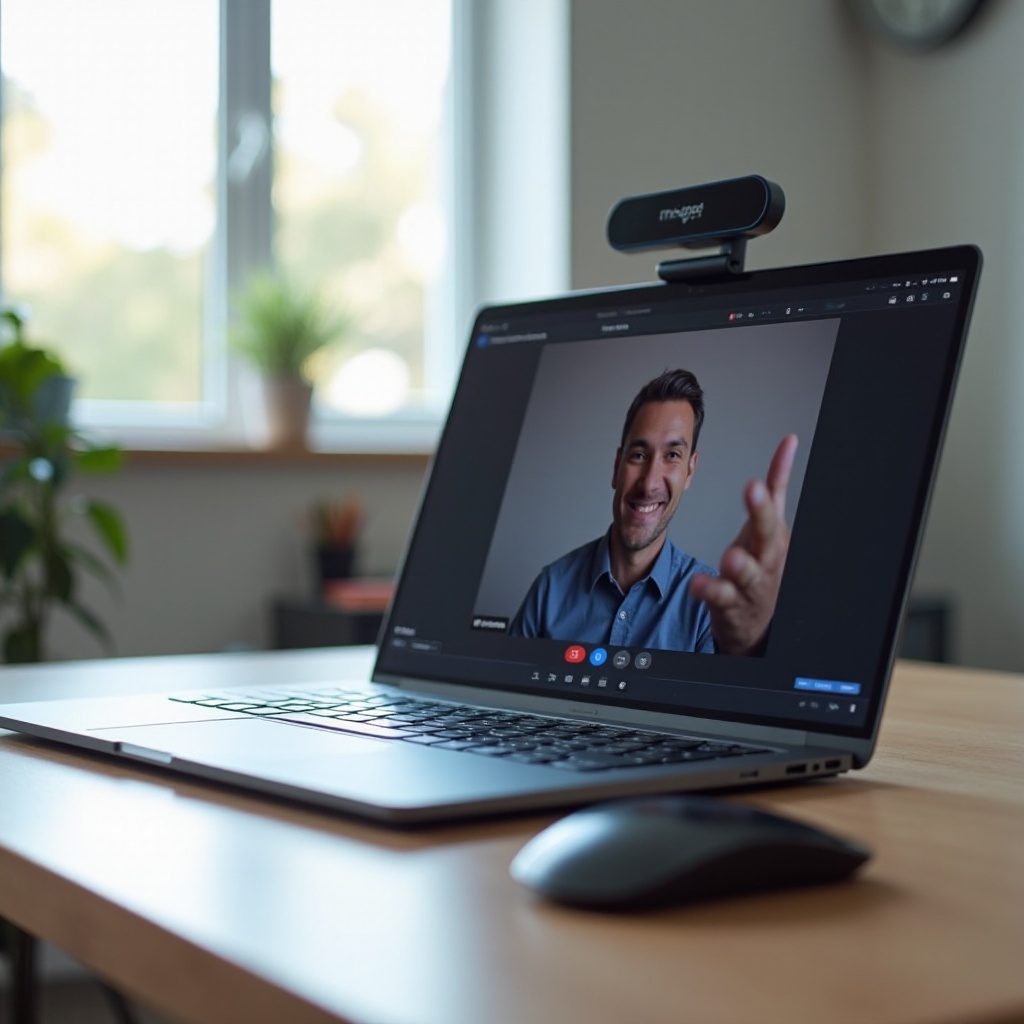
Why Choosing the Right Laptop for Zoom Matters
The choice of laptop impacts your ability to communicate effectively via Zoom. A device lacking in quality can result in frozen screens, dropped calls, and fuzzy audio, which is a liability in professional contexts and frustrating in personal interactions. Choosing a suitable laptop thus becomes essential.
Having a dependable laptop means uninterrupted calls and clear communication, allowing you to focus on the meeting content. Moreover, a capable device supports seamless multitasking, crucial for scenarios that demand simultaneous document management and screen sharing.

Key Features to Look for in a Zoom Laptop
Identifying a good laptop for Zoom involves focusing on several key features:
-
High-Quality Webcam and Audio: Aim for a 1080p webcam for sharp visuals, complemented by integrated microphones with noise-canceling capabilities to improve call clarity.
-
Reliable Processor and RAM: Consider laptops with at least an Intel i5 or AMD Ryzen 5 processor and a minimum of 8GB RAM to ensure smooth video conferencing and multitasking.
-
Connectivity Options: Multiple USB ports, HDMI outputs, and strong Wi-Fi capabilities are essential to maintain stable internet connectivity and device compatibility.
These features provide the foundation for a smooth Zoom experience. Let’s explore laptops that excel in these areas.

Top 6 Laptops for Zoom in 2024
Choosing from numerous models can be daunting. We’ve narrowed down six standout laptops that blend performance and Zoom-conducive features:
-
Dell XPS 13: Known for its design and performance, it features a 1080p webcam, the latest Intel i7 processor, and 16GB RAM for seamless multitasking during video calls.
-
Apple MacBook Air M3: Equipped with the new M3 chip, it offers speed and efficiency with a FaceTime HD camera and three-mic array for superior audio-visual quality.
-
Microsoft Surface Laptop 5: It boasts excellent display quality and functionality with a custom AMD Ryzen processor and sufficient RAM, ensuring outstanding performance for video conferencing.
-
Lenovo ThinkPad X1 Carbon Gen 11: Esteemed for its durability and enterprise capabilities, it features a superior 1080p webcam and top-notch audio driven by modern Intel processors.
-
HP Spectre x360: This convertible laptop combines flexibility and high-end performance with a powerful processor and ample connectivity options, ideal for professional setups.
-
Asus ZenBook 14: Lightweight and efficient, it offers reliable performance with strong processors and numerous connectivity ports to keep Zoom calls steady.
These models integrate the critical components needed for optimal Zoom performance. Next, let’s weigh different budget-friendly and premium options.
Budget-Friendly Options and Premium Picks
Balancing performance with budget constraints is crucial. Explore some economical choices alongside top-tier picks:
-
Best Budget Option: Acer Aspire 5: This user-friendly laptop is affordable without compromising essential Zoom capabilities, featuring an AMD Ryzen or Intel i5 processor.
-
Premium Pick: Razer Blade 14: For those seeking no compromises, this model offers elite performance with advanced graphics and build quality for an immersive Zoom experience.
These choices cater to various financial considerations, ensuring everyone finds a suitable laptop to meet their Zoom needs without sacrificing key features.
Conclusion
Selecting the best laptop for Zoom doesn’t have to be complicated. By emphasizing crucial elements such as webcam clarity, audio quality, processing power, and connection options, you can find a device that matches your needs and budget. Our top picks for 2024 highlight the diverse available options, from high-performance laptops to budget-friendly solutions, ensuring an enhanced video conferencing experience for all users.
Frequently Asked Questions
What is the best budget laptop for Zoom meetings?
The Acer Aspire 5 is an excellent budget-friendly choice, offering essential features for smooth Zoom calls without high costs.
How much RAM is needed for Zoom?
A minimum of 8GB RAM is recommended to efficiently handle Zoom and multitasking without lag.
Is a dedicated graphics card necessary for Zoom?
A dedicated graphics card isn’t essential for Zoom, but it can enhance overall performance, especially for tasks like gaming or graphic design.