Introduction
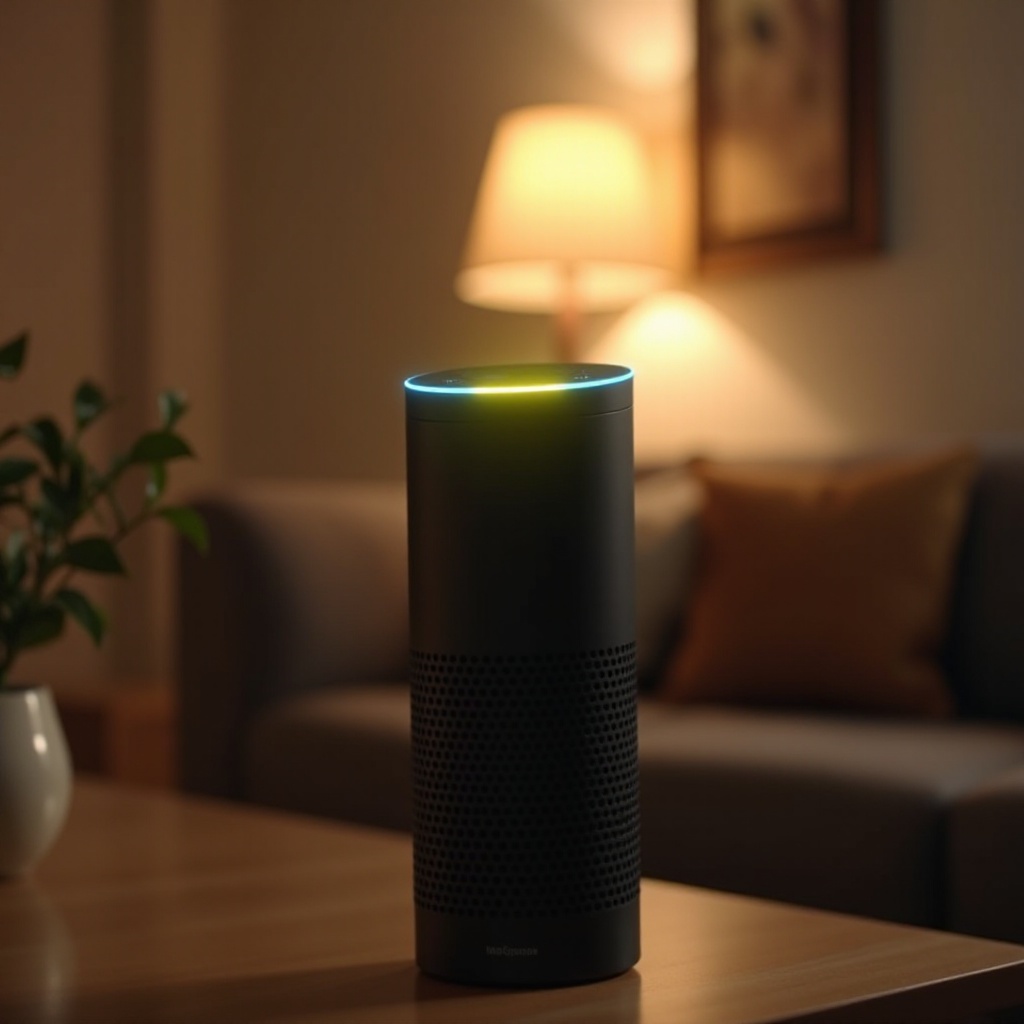
The mysterious yellow ring on your Amazon Alexa device is more than just a pretty light. It serves as a communication tool, signifying unread messages or notifications. Recognizing what these alerts mean and managing them effectively can significantly boost your Alexa experience. Let’s delve into the functionality behind the yellow ring and how you can master your device’s notification system.

Decoding the Yellow Ring: What Alexa is Trying to Tell You
When you see a yellow ring on Alexa, it means there’s a notification waiting for your attention. It’s Alexa’s way of letting you know about pending messages or updates. These notifications might include alerts about messages through the Alexa app or updates regarding your Amazon orders. Being aware of these can keep you informed and responsive without additional screens.
Simply ask, ‘Alexa, what notifications do I have?’ or ‘Alexa, what are my messages?’ to gain instant clarity. Understanding the key role these notifications play enhances not just your knowledge but also keeps you seamlessly connected with the info you need.
Common Situations Triggering Alexa’s Yellow Ring
The yellow ring on Alexa is typically triggered by a couple of common scenarios centered around communication and alerts.
Missed Messages and Notifications
Often, Alexa’s yellow ring lights up due to missed calls or messages sent via the Alexa app. It serves to remind you of important communications that you might have overlooked. This feature ensures you stay updated and connected with vital interactions.
Package Delivery Alerts
Another common trigger for the yellow ring is package delivery notifications from Amazon. Instead of checking your email or tracking apps continuously, the yellow ring acts as your direct cue that a delivery update is waiting.
Understanding these common triggers enables you to take timely actions, keeping your information flow seamless and stress-free.
How to Manage and Clear Alexa’s Yellow Notifications
Once you understand the sources of your notifications, managing them becomes straightforward. Here’s how you can efficiently address these alerts:
Checking and Responding to Notifications
To clear the notifications triggering the yellow ring, ask Alexa, ‘What are my notifications?’ or ‘What are my messages?’ Listening and responding to these notifications ensures that you are up-to-date with all communications and that the yellow light indicator is reset.
Adjusting Notification Settings
Customize your notification preferences using the Alexa app to avoid excess alerts. Under settings, choose which notifications should alert you. Prioritizing these can reduce unnecessary interruptions.
Efficient handling of these notifications makes Alexa a more organized and less intrusive part of your daily life.
Optimizing Alexa’s Notification Preferences for Better User Experience
Enhancing your interaction with Alexa involves customizing how it notifies and interacts with you. Here’s how:
Customizing Notification Alerts
Head to ‘Settings’ in the Alexa app, and navigate to ‘Notifications’. You can adjust the notifications for different Alexa functions—personalizing this can help you receive only the information that matters most.
Managing Communication Preferences
Fine-tune who can contact you through Alexa by limiting it to essential contacts. This measure helps strike a balance between being accessible and maintaining your personal focus.
Optimizing these settings transforms Alexa into a tool that adapts to your lifestyle, rather than one that demands constant attention.

Troubleshooting Persistent Yellow Ring Issues
Occasionally, the yellow ring might persist despite your efforts to clear notifications. Here’s how to troubleshoot:
Common Troubleshooting Methods
Restarting your Alexa device can usually fix lingering issues. Check for software updates in the Alexa app to keep your device running smoothly, thus avoiding recurring annoyances.
When to Seek Technical Support
If troubleshooting steps do not resolve the problem, contact Amazon support. They can assist with more persistent issues and determine if there are any underlying hardware concerns.
Proactive troubleshooting ensures your Alexa stays a part of your efficient tech ecosystem.
Conclusion
Mastering the yellow ring on Alexa involves understanding its notifications, responding swiftly, and customizing your settings. This expertise transforms Alexa from merely a gadget into an indispensable helper in your daily tasks. By following these guidelines, your experience with Alexa can become more intuitive and productive.
Frequently Asked Questions
How do I turn off the yellow ring on Alexa?
Say, ‘Alexa, dismiss notifications,’ or respond to your messages to clear the yellow ring.
Can I customize which notifications trigger the yellow ring?
Yes, you can adjust your settings in the Alexa app under ‘Notifications’ to control which alerts activate the yellow ring.
What should I do if my Alexa keeps showing a yellow ring despite addressing notifications?
Try restarting your device and/or checking for updates. If issues persist, contact Amazon support.