Introduction
The iPhone 6 remains a favored device for many, even years after its release. Its enduring appeal stems from its design and functionality. However, a common issue that plagues users is the home button malfunction. This can be a source of great inconvenience, disrupting the device’s operability. If you’ve found that your iPhone 6 home button is not working, rest assured, you’re not alone. Many users experience this, but there are solutions available. This guide will delve into the common causes and provide a systematic approach to resolving the issue.
Common Causes of iPhone 6 Home Button Malfunctions
Addressing the malfunction begins with understanding potential causes. The functionality of the home button could be compromised for several reasons:
- Physical Damage: Drops or impacts might damage the button’s internal mechanisms.
- Dirt and Debris: Accumulation of dust under the button can impede responsiveness.
- Software Glitches: An iOS update or a glitch might render the home button unresponsive at times.
- Wear and Tear: Prolonged usage naturally deteriorates the button’s functionality over time.
Determining the root cause can aid in selecting the appropriate fix. Let’s begin with examining practical software solutions.
Simple Software Solutions
Before opting for repairs, consider applying these software-based solutions:
- Restart Your iPhone: Often, a restart can resolve software-induced problems. Press and hold the power button, slide to power off, wait briefly, and turn it back on.
- Update iOS: Ensuring that your iPhone is running the latest iOS version can rectify software glitches. Navigate to Settings > General > Software Update, and install updates if available.
- Calibrate Your Home Button:
- Open a default app like Weather.
- Press and hold the power button until ‘slide to power off’ appears.
- Release the power button, then hold the home button until the app exits.
Should these not suffice, further probing into hardware solutions may be warranted.
Effective Hardware Fixes
Persistent issues may root from hardware faults. Explore these strategies:
- Clean the Home Button:
- Power down your iPhone.
- Gently clean around the button with a dry, soft-bristled toothbrush.
-
Press the button to help remove any debris.
-
Use Isopropyl Alcohol:
- Lightly dampen a cotton swab with 99% isopropyl alcohol.
- Gently clean around the button.
-
Press the button multiple times to allow cleaning beneath the surface.
-
Pressure Test:
- Place the phone on a stable, hard surface.
-
Press down firmly on the home button, which may realign misaligned components.
-
Replace the Component: If none of these work, consider replacing the home button or commissioning professional services.
For those seeking an immediate or even long-term alternative, activating AssistiveTouch can provide a digital solution.
Utilizing AssistiveTouch as an Alternative
AssistiveTouch provides an on-screen home button alternative, which can be activated through the following steps:
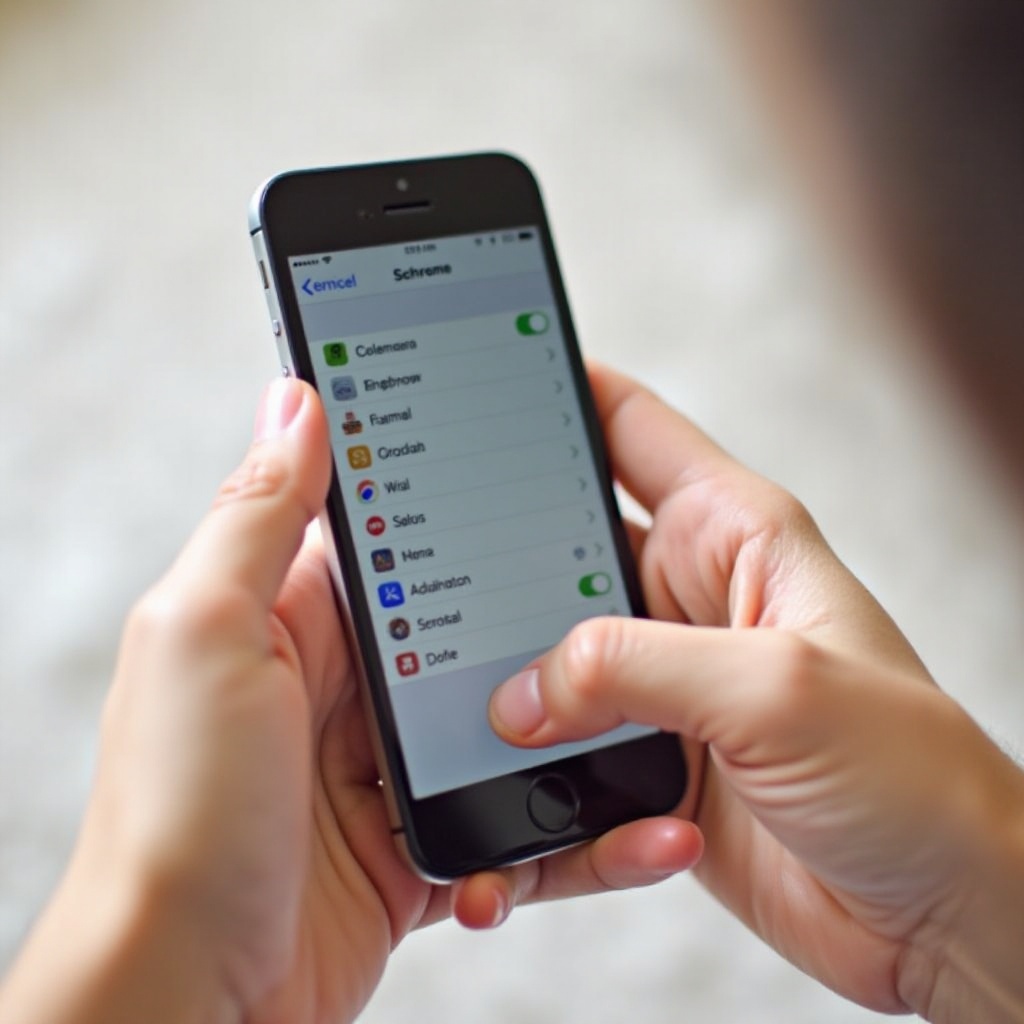
- Navigate to Settings > Accessibility > Touch.
- Tap on AssistiveTouch and toggle it on.
- A virtual button will appear, offering access to home button functionalities.
AssistiveTouch is especially beneficial for those delaying repairs but can serve as a permanent replacement if needed.
When to Seek Professional Repair
If none of the aforementioned techniques restore functionality, professional evaluation becomes essential. A technician can:
- Conduct a precise diagnosis of potential hardware issues.
- Replace the faulty button if required.
- Provide warranties on repairs, guaranteeing peace of mind.
Visiting an Apple Store or an authorized service provider ensures reliable and quality service.
Conclusion
An unresponsive iPhone 6 home button can commonly be remedied through focused troubleshooting and applicable fixes. By comprehensively addressing the potential causes and trying various solutions, whether software or hardware, and even considering AssistiveTouch, users can often resolve this issue independently. However, professional repair remains a wise option for persistent problems. Choose the best pathway to keep your device operational and enhance your device experience.
Frequently Asked Questions
What should I do if my iPhone 6 home button still doesn’t work after trying the fixes?
If the home button remains unresponsive after all the listed fixes, it’s advisable to consult with a professional technician. They can provide an in-depth analysis and repair any underlying hardware problems.
How much does it cost to replace the iPhone 6 home button?
The cost to replace an iPhone 6 home button typically ranges from $50 to $100, depending on the service provider. Always check for credibility and warranty offers before proceeding with repairs.
Can I permanently use AssistiveTouch instead of the physical home button?
Yes, AssistiveTouch can be used permanently as a replacement for the physical home button. It offers all the functionalities of the physical button and can be customized further in Accessibility settings for enhanced user convenience.