Introduction
The motherboard is essential for gaming PCs, acting as the main hub for connecting and managing all computer components. It plays a critical role in performance and influence your gaming experience. In 2024, affordable motherboards offer excellent performance without exceeding budget limits. This guide explores top choices that balance cost and capability, offering value whether you’re upgrading or building anew.
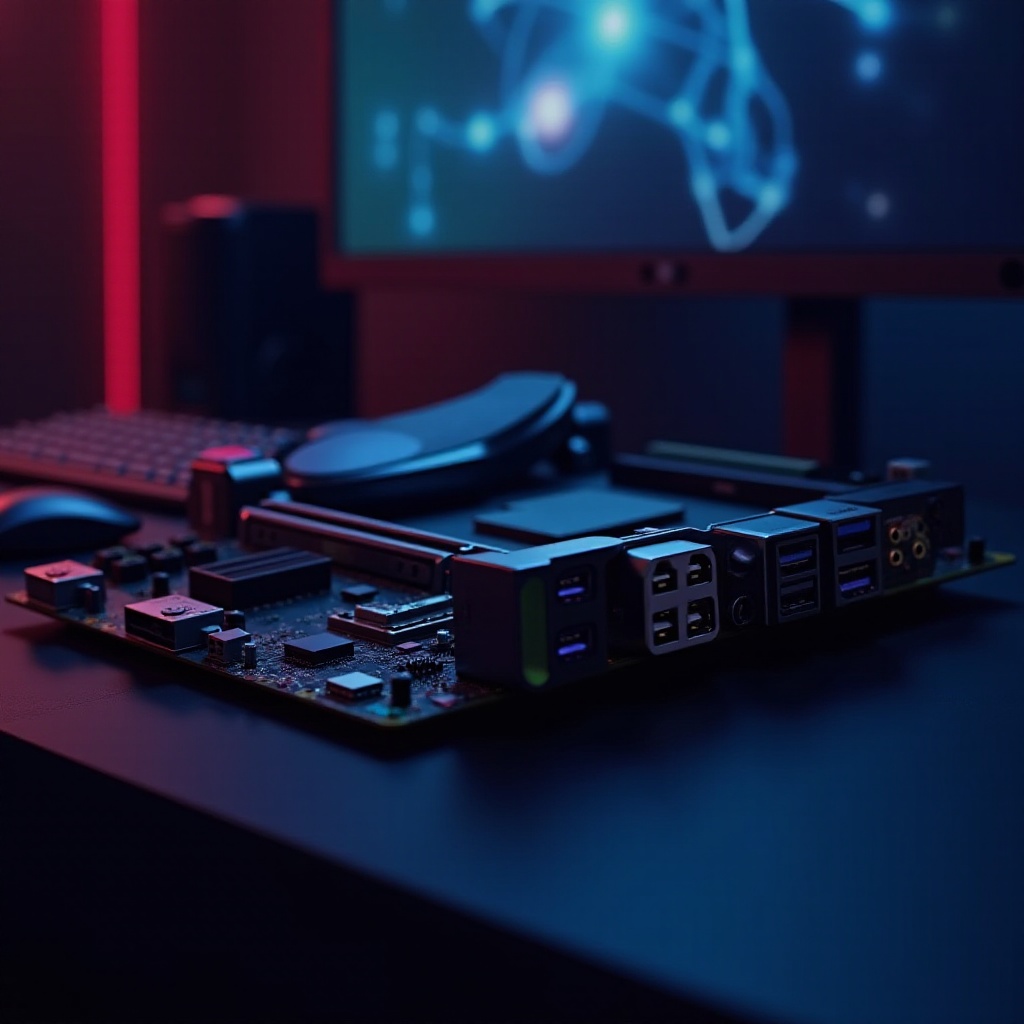
Key Features to Look for in a Gaming Motherboard
Choosing the right motherboard involves understanding which features will satisfy your gaming needs. These key aspects aid in comparing different models and ensuring you pick the right one for your setup.
-
Compatibility and Form Factor
Ensure that the motherboard size, whether ATX, Micro-ATX, or Mini-ITX, fits your case and is compatible with your CPU’s socket and chipset. -
PCIe Slots and Expansion Options
Choose a motherboard with PCIe slots, ideally PCIe 4.0 or 5.0, to support modern GPUs and other add-ons. Expansion options allow for future upgrades. -
Power Delivery and VRM Quality
Stability and overclocking capacity depend on quality power delivery. Seek motherboards with solid VRM for consistent performance, crucial for gamers.
Top Affordable Gaming Motherboards of 2024
With the essential features in mind, here’s a review of the best affordable gaming motherboards available in 2024. These models have been selected for their balance of performance, features, and price.
-
Review of ASUS ROG Strix B550-F Gaming
As a strong contender in the AMD Ryzen ecosystem, the ASUS ROG Strix B550-F Gaming provides excellent overclocking abilities, robust connectivity, and superior VRM. It’s suitable for players aiming for high performance without overspending. -
Review of MSI MAG B660M Mortar WiFi
This motherboard is a compact powerhouse for Intel builds. The MSI MAG B660M Mortar WiFi offers top-tier networking with Wi-Fi 6 and ample cooling options. Its modular design is perfect for gamers looking to optimize space and performance. -
Review of Gigabyte A520 AORUS Elite
A budget-friendly choice for AMD enthusiasts, this board features dual M.2 slots and a straightforward BIOS, supporting high RAM capacities. It’s ideal for gamers seeking solid performance without premium pricing.
Comparison of Price and Features
Comparing these top picks, the ASUS ROG Strix B550-F excels in raw performance and overclocking, making it ideal for enthusiasts. The MSI MAG B660M Mortar stands out with its connectivity and efficient design for Intel users. The Gigabyte A520 AORUS Elite provides solid performance for budget-conscious builds, delivering reliable and competent features without excess.
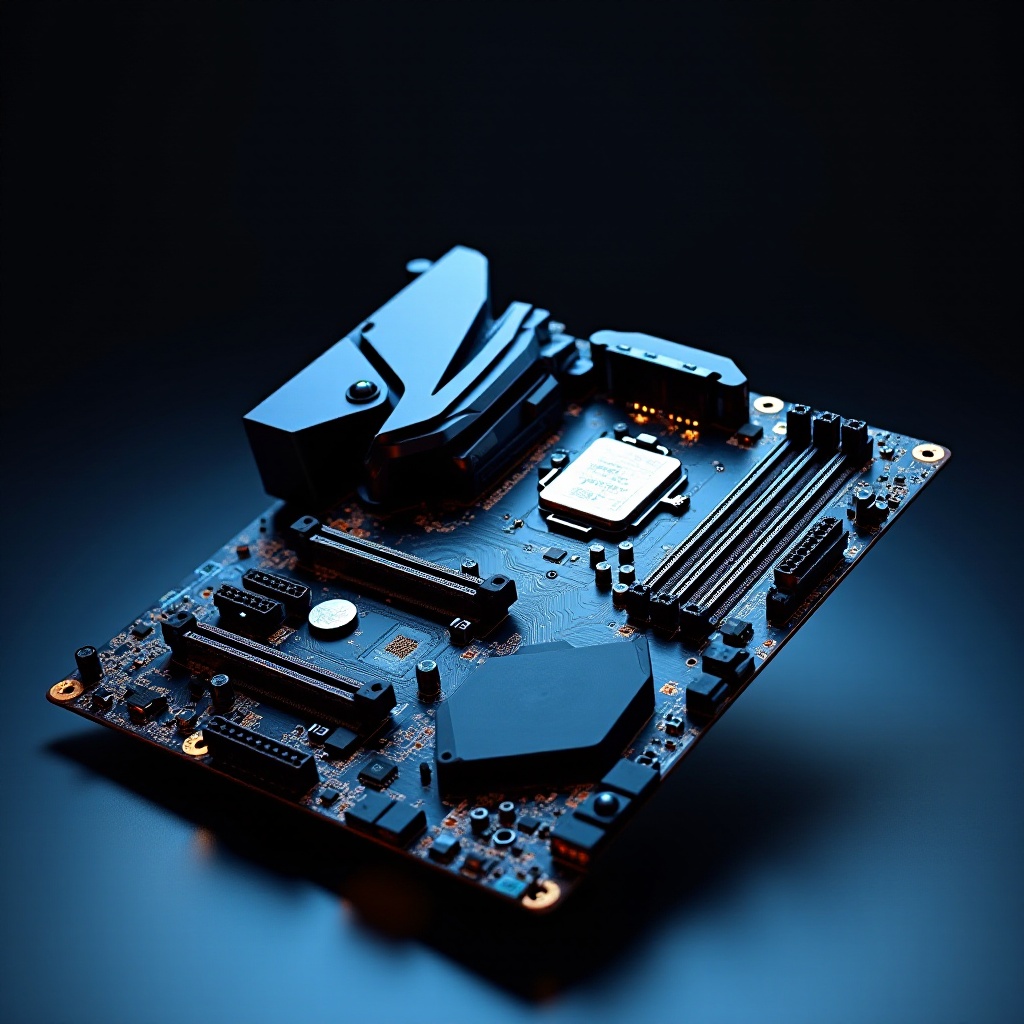
Tips for Maximizing Motherboard Performance
Beyond choosing the right motherboard, making simple adjustments can maximize its abilities, ensuring you gain the best possible performance.
-
Overclocking Capabilities and BIOS Tweaks
Many motherboards offer user-friendly BIOS interfaces that simplify overclocking. Experiment with different settings to achieve optimal system performance. -
Cooling and Power Management
Utilize quality cooling solutions, such as efficient fans or liquid coolers, to maintain system stability. Proper airflow and power monitoring can prevent thermal issues that degrade performance.
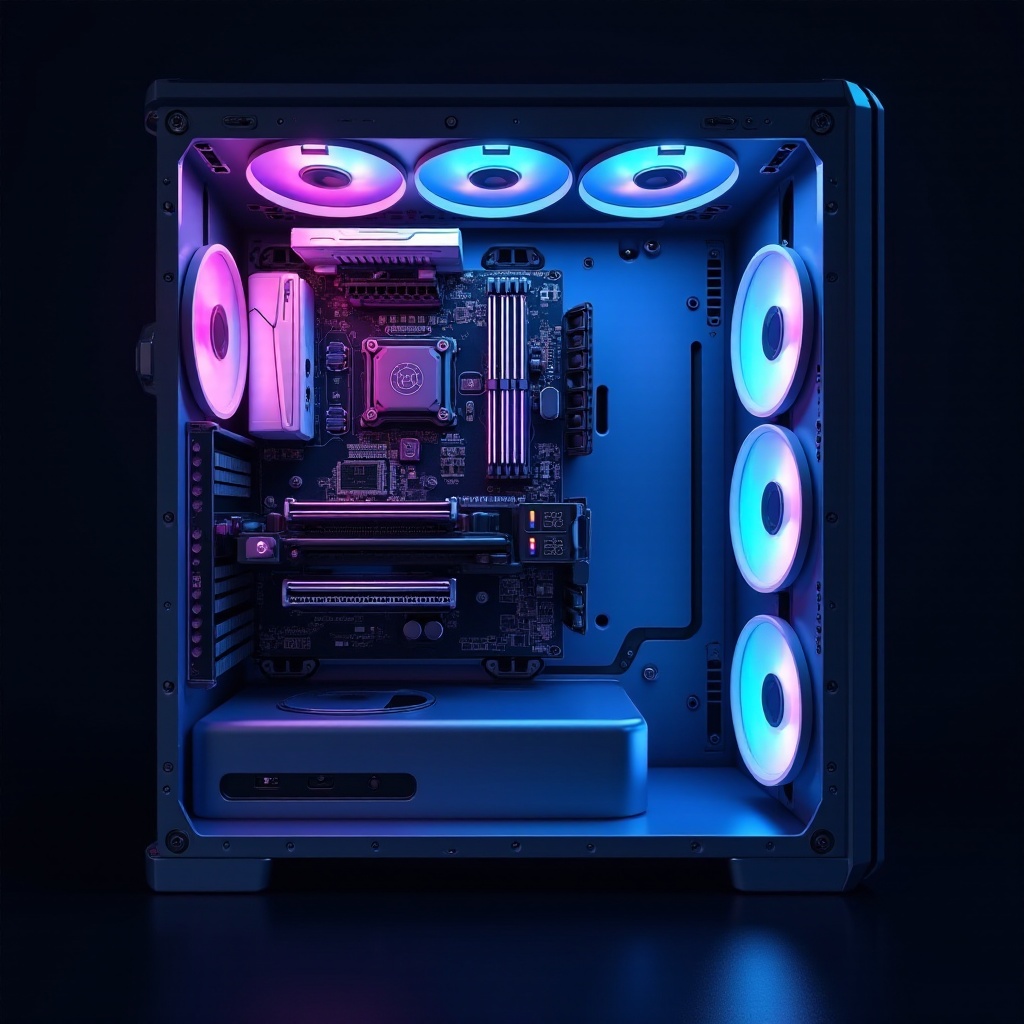
Conclusion
Selecting an affordable yet capable motherboard is key to building a strong gaming PC. By focusing on critical features and understanding how each component contributes, you can make informed choices that enhance your gaming setup’s performance and longevity. Remember, a good motherboard enhances the efficacy of all other components, making it a vital investment.
Frequently Asked Questions
How do I determine if a motherboard is compatible with my CPU?
Check the motherboard’s socket type and chipset description, usually listed in product specifications, to ensure compatibility with your CPU model.
Are more expensive motherboards better for gaming?
Not necessarily. While expensive motherboards offer advanced features, affordable options can provide excellent gaming performance unless you’re pursuing extreme customization.
What are common mistakes to avoid when choosing a motherboard?
Common mistakes include ignoring compatibility with existing parts, underestimating future expansion needs, and overlooking essential features like proper cooling solutions.