Introduction
A 60-inch TV hits a rare sweet spot for many living rooms. It gives you more immersion than a 55-inch without the wall-dominating presence and price of a 65-inch. The catch is availability. Fewer brands ship true 60-inch models in 2026, and many retailers push you to step down or up. You can still land a great screen if you know which specs to chase and which to ignore.
This guide shows you how to pick the best 60-inch televisions for your room, budget, and habits. You will see quick picks by use case, then a deeper dive into features like HDR, local dimming, gaming at 4K 120Hz, and smart platforms. You will also learn mounting tips, viewing distance, and setup shortcuts that make any TV look and sound better on day one. Read the quick picks first for a fast shortlist, then explore the sections that match how you watch most.
With the basics set, let us start with a concise list of top categories so you can focus your search.
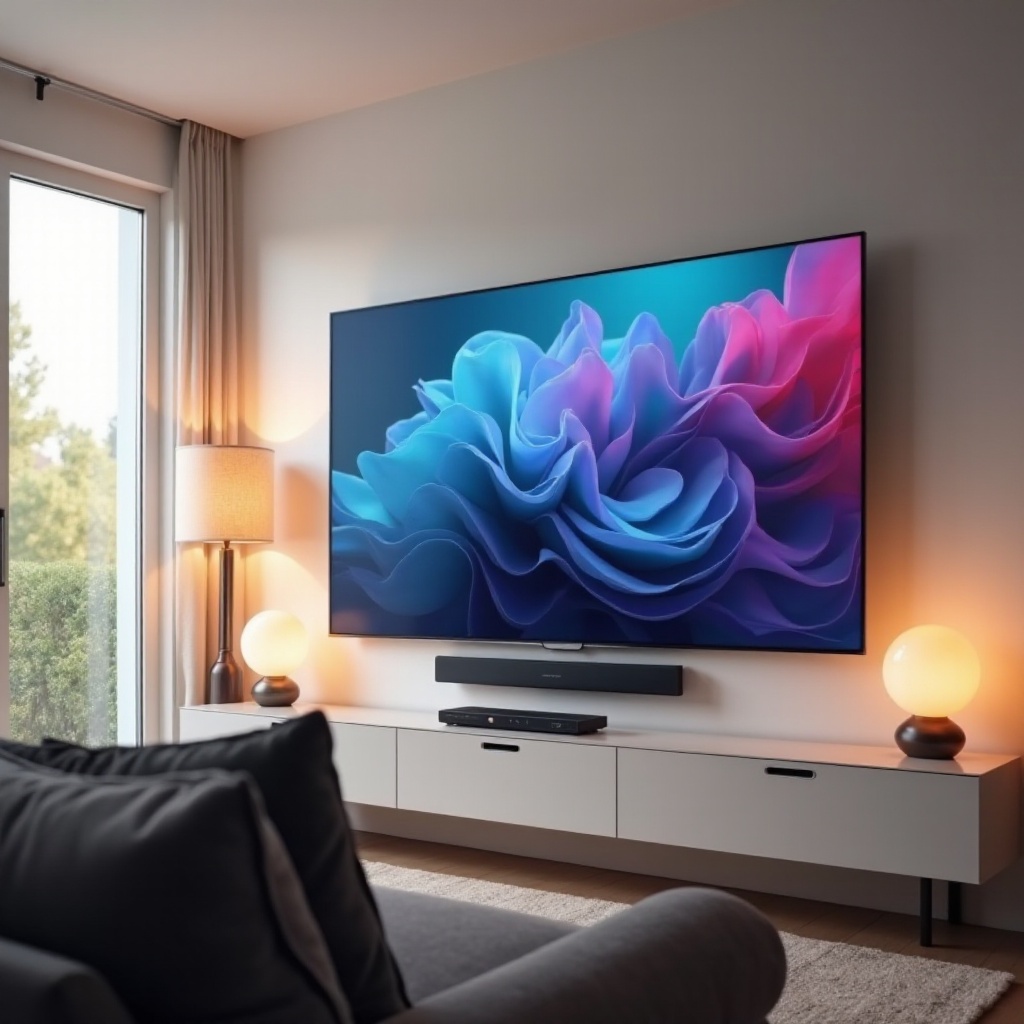
Quick Picks: Best 60-Inch TVs at a Glance
- Best overall: A premium panel with high native contrast, effective local dimming, strong HDR brightness, and accurate color. Smooth motion and a refined smart OS tie it together.
- Best value: A well-tuned 4K LED or QLED that delivers solid brightness, decent dimming, and an easy-to-use platform at a price that makes sense.
- Best for bright rooms: A mini-LED or high-output QLED with an excellent anti-reflective layer and tone mapping that holds up under daylight.
- Best for dark rooms: Deep blacks, many dimming zones, and precise EOTF tracking so shadows look clean without blooming.
- Best for gaming: 4K 120Hz with HDMI 2.1, VRR, ALLM, and ultra-low input lag. A clear game dashboard helps you monitor settings on the fly.
Those picks cover most needs. Next, let us define what makes a balanced do-it-all choice in the 60-inch class.
Best Overall 60-Inch TV
The best overall 60-inch TV earns the title by avoiding weak links. Start with contrast. A VA-based panel with a robust full-array local dimming system lifts HDR highlights and keeps black levels tight. Aim for at least 700 to 1,000 nits peak HDR brightness so specular highlights in movies and games carry real punch. Color accuracy matters too. A TV that ships close to reference saves time and makes skin tones look natural without deep calibration.
Motion performance should be strong but not distracting. A 120Hz panel reduces blur in sports and fast pans. Use light judder reduction if needed, but keep it subtle to avoid the soap opera effect. For smart features, look for a platform that launches apps fast, offers reliable voice search, and supports the services you use daily. Google TV, Tizen, webOS, and Roku cover the essentials well.
Finally, get at least one HDMI 2.1 port with eARC to support 4K 120Hz gaming and lossless audio passthrough. With a true all-rounder defined, the next step is trimming the price without losing the features you actually see and feel.
Best Value 60-Inch TV
Value means smart trade-offs. Focus your budget on the picture. A good value pick often uses a VA LED or QLED panel with a modest but effective local dimming system. If it reaches 500 to 700 nits in HDR and covers a wide color gamut, you will enjoy bold sports and convincing movie highlights.
For the smart platform, favor stable and simple. Roku TV and Google TV usually deliver smooth menus and deep app libraries. Expect responsive navigation and a remote that is easy to live with. If you can get 120Hz, VRR, and ALLM at a good price, treat them as a bonus. Confirm eARC for an audio upgrade later.
Now that we covered value for money, let us tackle a common real-world challenge: glare and daylight in bright rooms.
Best for Bright Rooms
Glare ruins contrast. To keep daytime viewing punchy, you need two things: high brightness and strong reflection control. Mini-LED or higher-end QLED sets typically excel here. Target peak brightness above 1,000 nits for confident HDR. Look for an effective anti-reflective coating that turns mirror-like reflections into soft, diffuse shapes.
Color volume matters too. A bright TV that holds saturation at high luminance keeps reds, greens, and blues from washing out under sunlight. If persistent glare is unavoidable, use a tilt or swivel mount to angle the screen away from windows. You can also reduce visible reflections by dimming lights that sit behind you.
With daylight tamed, we flip the conditions. Dark rooms demand different strengths, and the next section explains how to get a cinematic look.
Best for Dark Rooms/Home Theater
Dark-room performance starts with black levels. A panel with high native contrast and many well-managed dimming zones can deliver deep blacks without halos. Precise EOTF tracking preserves shadow detail, while accurate tone mapping prevents crushed blacks and clipped highlights.
Use Cinema or Filmmaker mode for movies, then make small tweaks. Reduce excessive motion smoothing that can flatten depth in films. Set a low-level bias light behind the TV to lower eye strain and improve perceived contrast. If your room allows it, darken wall paint near the screen to reduce reflections.
When the lights drop, subtle control defines quality. If you also spend long sessions gaming, the next section shows how to get buttery motion and low lag without sacrificing HDR.
Best for Gaming: 120Hz, HDMI 2.1, and VRR
Modern consoles and powerful PCs benefit from bandwidth and speed. A true 120Hz panel plus full-bandwidth HDMI 2.1 unlocks 4K 120 on PS5 and Xbox Series X. VRR, whether HDMI VRR, FreeSync, or G-Sync Compatible, eliminates tearing and smooths frame pacing. ALLM puts the TV into low-latency mode as soon as a console boots.
You also want excellent input lag numbers. Under 15ms at 4K 60 keeps controls snappy, and under 8ms at 1080p 120 feels instant. HDR gaming improves with 800 or more nits, stable brightness behavior, and accurate tone mapping so highlights do not blow out. A game dashboard that shows VRR state, HDR status, and frame rate helps you diagnose issues fast.
With gaming covered, some households care more about streaming comfort and simple navigation. The next section focuses on ease of use for everyone in the home.
Best for Streaming and Ease of Use
A great streaming experience feels effortless. The TV should open apps quickly, resume content without delay, and offer relevant suggestions. Google TV, Roku TV, Tizen, and webOS all check these boxes, but their strengths differ. Google TV excels at recommendations and voice. Roku wins on simplicity and breadth of channels. Tizen and webOS provide polish and smooth animation.
Check profile support if your family shares the TV. Make sure the platform has your niche apps and regional services. Confirm Wi-Fi stability or use Ethernet for a more reliable connection. With day-to-day use handled, let us break down the core picture features that separate a decent TV from a great one.
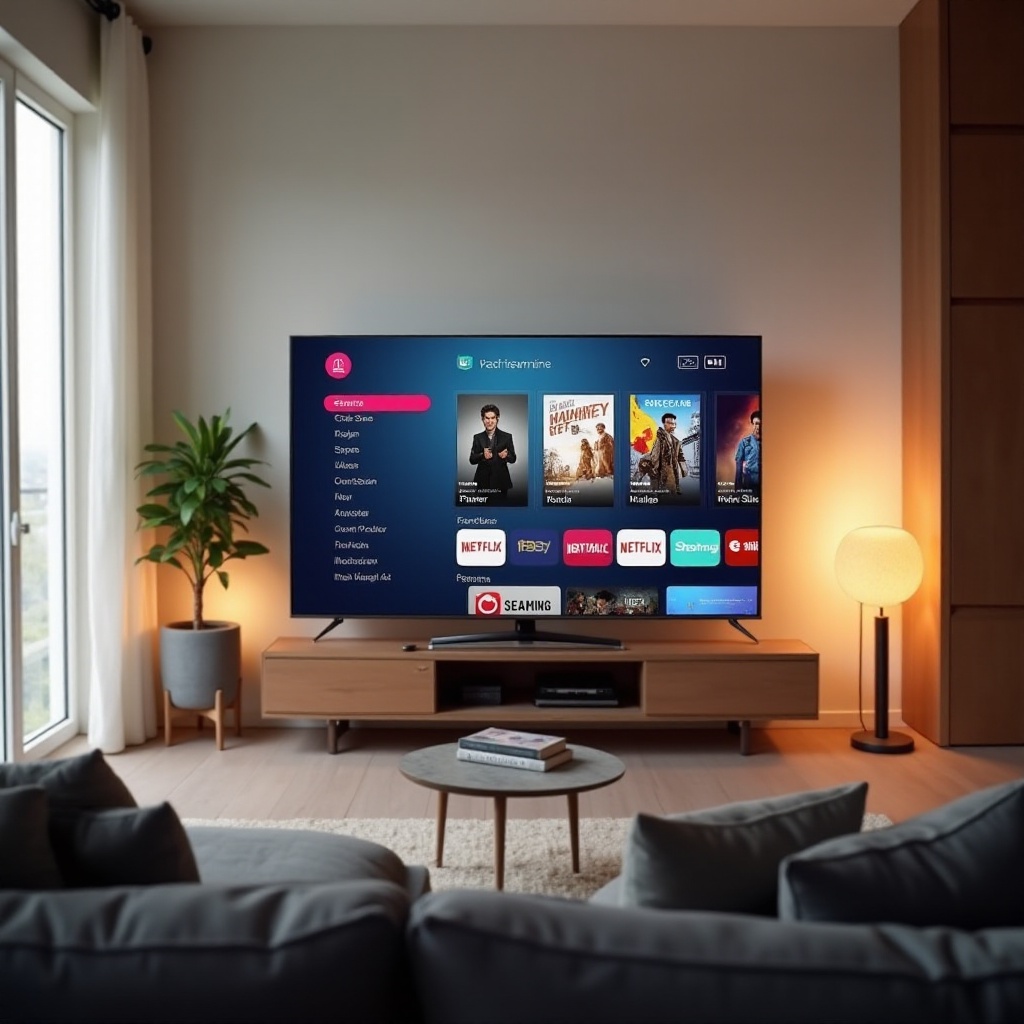
Buying Guide: What Matters Most at 60 Inches
Panel tech: OLED vs QLED or Mini-LED vs LED
OLED offers perfect blacks and superb viewing angles. It excels in dark rooms and delivers precise pixel-level control. Mini-LED and QLED push higher brightness and can outperform OLED in bright rooms. A well-designed local dimming array approaches OLED-like black levels at a lower price. Standard LED sits at the entry level and needs effective dimming and tuning to avoid washed-out blacks.
HDR formats and tone mapping: HDR10, Dolby Vision, HLG
HDR10 is the baseline for movies and shows. Dolby Vision adds dynamic metadata for scene-by-scene control, which helps mid-range sets render more accurate highlights and shadows. HLG supports live HDR broadcasts. The TV’s tone mapping determines whether bright highlights retain detail or blow out. On a 60-inch screen, well-tuned mapping is easy to notice.
Brightness, contrast, and local dimming zones
Aim for at least 600 to 1,000 nits peak for convincing HDR. The number of dimming zones matters, but zone quality and algorithms matter more. Better control reduces blooming near bright subtitles and star fields. With the picture science clear, your next choice is the smart platform that glues it all together.
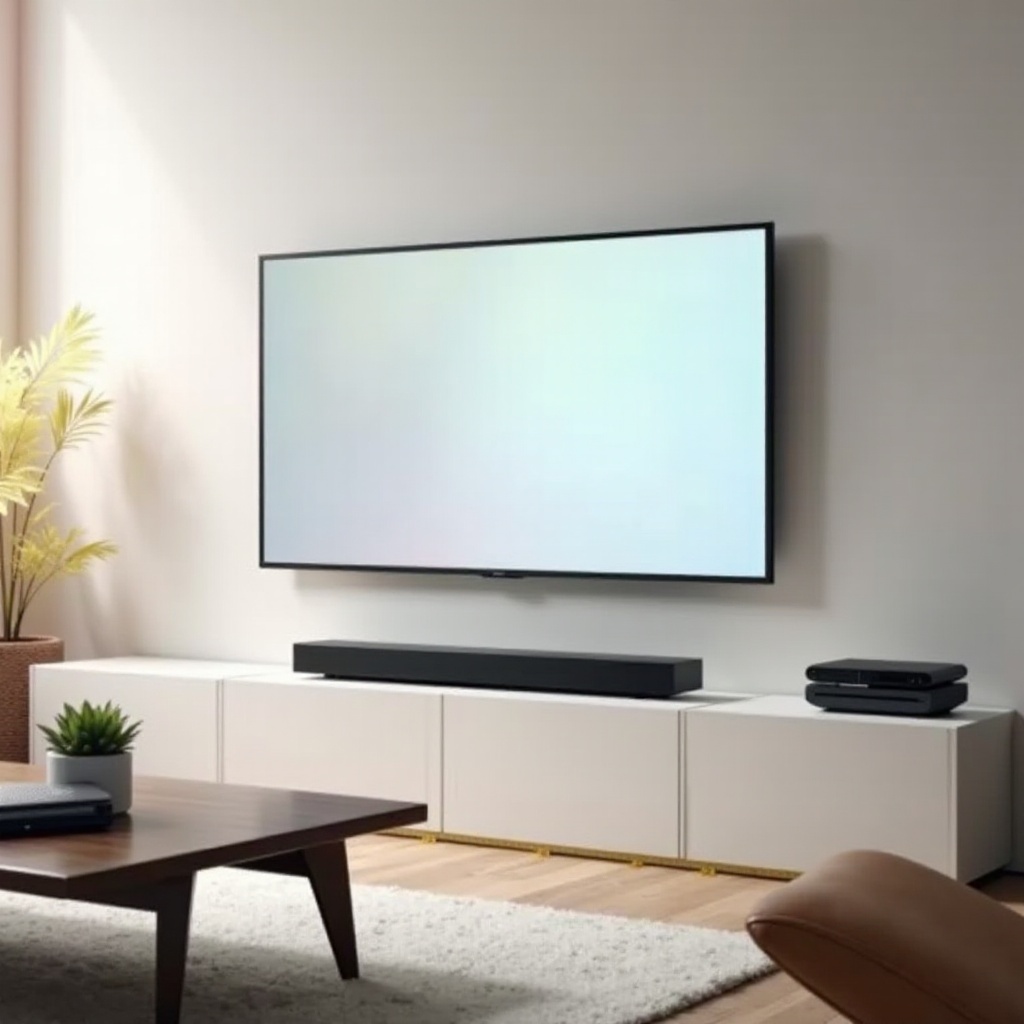
Smart TV Platforms Compared
Google TV: Apps, recommendations, and voice control
Google TV blends deep app support with a content-first home screen. Voice search through Assistant helps you find titles fast. Casting from Android or iOS via Chromecast built in is seamless.
Tizen: Integration with Samsung ecosystem
Tizen is fast and stable with a polished interface. It pairs nicely with Samsung phones and SmartThings. App selection is wide, and regular updates maintain performance.
webOS and Roku TV: Simplicity, speed, and channel support
webOS offers smooth navigation and handy quick cards. Roku TV prioritizes speed and universal access to channels, often with the simplest remotes. If you value ease over rich recommendations, either works well.
Smart platform chosen, let us dig deeper into gaming features that need careful setup to shine.
Gaming Features Explained
4K 120Hz, VRR, and ALLM basics
4K 120Hz reduces motion blur and makes fast games feel fluid. VRR keeps frames in sync to prevent tearing. ALLM flips the TV into its lowest latency mode without digging through menus.
Input lag targets and Game Mode calibration
Keep input lag under 15ms at 60Hz for comfortable play. In Game Mode, set sharpness near zero, leave contrast high, and choose a warm color temperature for accuracy. Tweak black level to avoid crushed shadows in dark scenes.
eARC, Dolby Atmos, and headset support for gamers
eARC sends lossless audio to a soundbar or AVR. Dolby Atmos adds height cues that improve spatial awareness in shooters and open worlds. Confirm Bluetooth for wireless headsets or a 3.5mm jack if you prefer wired.
With gaming fine-tuned, make sure you have the right ports and connections for the next few years.
Connectivity and Ports Checklist
HDMI 2.1 bandwidth, eARC, USB, and Ethernet
Get at least two HDMI 2.1 ports if you use multiple consoles or a gaming PC. eARC is essential for uncompressed audio. One or two USB ports help with media and power for streaming sticks. Ethernet locks in stable streaming.
Wi-Fi and Bluetooth versions to look for
Wi-Fi 6 or 6E handles congested apartments better than older standards. Bluetooth 5.0 or newer improves range and stability for remotes, controllers, and headphones.
Future-proofing and cable considerations
Use certified Ultra High Speed HDMI cables for 4K 120. Label cables and ports to avoid confusion later. Leave one HDMI input free for future devices.
With ports sorted, place the screen at the right height and distance to get the most from those pixels.
Room Size, Viewing Distance, and Mounting
Ideal seating distance for a 60-inch 4K TV
Sit about 6.5 to 9 feet from a 60-inch 4K screen. Closer boosts immersion and reveals detail. Farther helps if you watch casual TV and prefer a relaxed view.
VESA mount standards and wall placement
Check the VESA pattern on the TV and your mount. Center the screen at seated eye level for comfort. If you stand often, split the difference between seated and standing eye lines.
Glare control, tilt or swivel mounts, and cable management
Use tilt or full-motion mounts to steer away from windows and lights. Add cable raceways for a clean look and safer installs. With placement set, you can confirm if 60 inches truly fits your space or if a neighboring size makes more sense.
60 vs 55 vs 65 Inches: Which Size Fits Best?
Field of view, immersion, and seating layout
A 60-inch screen increases immersion over a 55 without the extra bulk of a 65. If your couch sits around 7 to 9 feet back, 60 inches often feels just right.
Price and availability trade-offs in 2026
True 60-inch models are fewer than 55 or 65. During big sales, you may see 65-inch prices dip near 60-inch deals. Compare specs and total cost, not just diagonal.
When to size up or down based on content and room
Choose 65 if you sit far or love cinematic scale. Pick 55 for tight rooms, narrow cabinets, or small apartments. Once you pick the size, dial in your audio plan.
Sound: Built-In Audio vs Soundbar or AVR Upgrades
Dialogue clarity, center channel, and room acoustics
Most TVs sound thin because of slim cabinets. A soundbar with a dedicated center channel lifts voices. Rugs, curtains, and bookshelves tame echoes and brighten clarity.
eARC passthrough, Dolby Atmos or DTS, and lip-sync
Use eARC to pass uncompressed Dolby TrueHD or DTS-HD to a capable bar or AVR. If you notice delay, enable lip-sync correction in the TV or receiver. Calibrate subwoofer level so bass stays tight and does not drown dialogue.
Recommended soundbar pairings by room size
- Small rooms: Compact 2.1 or 3.1 bars with a modest sub.
- Medium rooms: 3.1.2 or 5.1 bars that add height effects and wider sound.
- Large rooms: 7.1.4 bars or separates with ceiling speakers for true Atmos.
With audio planned, you can time your purchase and stretch your budget further.
Price Watch: When and Where to Buy
Seasonal sales, model cycles, and inventory drops
The best deals often hit during spring model transitions and late fall holidays. Watch for price cuts when new lines ship and retailers clear space.
Retailer perks, returns, and open-box deals
Check return windows and restocking fees. Price matching and open-box stock can save more if you live near big-box stores. Always inspect panels for uniformity and dead pixels.
Extended warranties and panel coverage tips
If you buy a premium screen, consider coverage that includes panel failures and power issues. Read terms to confirm how claims work and whether in-home service is included.
With the purchase lined up, you are ready for setup and quick calibration that elevate picture quality in minutes.
Setup and Calibration Essentials
Picture presets, brightness and contrast, and color
Start with Filmmaker or Cinema for movies. Use Standard or Natural for bright rooms. Keep brightness and contrast moderate. Set color temperature to warm for accurate skin tones. If the image looks too warm at first, give your eyes a day to adjust.
Motion settings: blur, judder, and black frame insertion
Reduce blur and judder controls for films to avoid the soap opera effect. Turn on black frame insertion only if flicker does not bother you and the room is bright enough.
Basic HDR and gaming tweaks for PS5, Xbox, and PC
Run console calibration tools. Enable 4K 120, VRR, and HDR in device menus. Set the TV’s HDMI input mode to the enhanced 4K option. On PC, confirm 4:4:4 chroma for sharp text when you sit close.
With core settings dialed in, you can reduce energy use and extend panel life with a few simple habits.
Sustainability and Energy Use
Energy ratings, eco modes, and real-world impact
Higher energy ratings cut your electric bill and heat output. Eco modes lower brightness and can suit news or daytime use. For movies, switch back to a calibrated mode.
Panel longevity, firmware updates, and care
Keep firmware current to fix bugs and improve features. Avoid static images for long periods. Enable screen shift or logo dimming if available. Give the panel decent airflow and keep vents dust free.
Responsible recycling and packaging choices
Recycle old TVs through certified programs. Flatten and recycle cardboard. Reuse foam or take it to a proper drop-off. Responsible disposal reduces e-waste.
You now have a clear plan from shortlisting to installation. One final section wraps up the key steps so you buy with confidence.
Conclusion
A well-chosen 60-inch TV balances immersion, price, and practicality. Focus on contrast, brightness, and clean tone mapping for a rich picture. Confirm 120Hz, HDMI 2.1, VRR, and low input lag if gaming matters. Pick a smart platform that your household will enjoy using every day, and plan a soundbar or AVR for better dialogue.
Mount the TV at eye level, sit 6.5 to 9 feet away, and use tilt or swivel to curb glare. Run quick calibration tweaks to upgrade color and motion on day one. If you cannot find a strong 60-inch model, compare similarly specced 58 or 65-inch screens and follow the same checklist. With smart timing and a solid setup, you will enjoy crisp movies, confident sports, and smooth gaming for years.
Frequently Asked Questions
Are there still true 60-inch models, or should I consider 58 or 65-inch alternatives?
Some brands still ship 60-inch sets, but stock can be limited. If you cannot find one, a 58-inch fits tight spaces, while a 65-inch offers more immersion at similar sale prices. Compare brightness, dimming, and HDMI 2.1 before choosing size.
Do I need HDMI 2.1 for streaming movies, or only for gaming?
You do not need HDMI 2.1 for streaming. Movies and shows play at 4K up to 60Hz on HDMI 2.0. HDMI 2.1 matters for 4K 120Hz, VRR, and next-gen console features. Still look for eARC, often paired with HDMI 2.1, for better audio passthrough.
How far should I sit from a 60-inch 4K TV?
Aim for 6.5 to 9 feet. Closer increases immersion and reveals more 4K detail. Farther reduces perceived sharpness gains. If you watch lots of sports, sit a bit closer; for casual TV, back off slightly for comfort.