Introduction
Choosing the best electrical outlets for home affects safety, convenience, and how well your smart devices cooperate. The right outlet adds voice control, energy tracking, and automations without clutter. The wrong choice can stall routines, waste energy, or break code. This guide shows you how to pick smart outlets and plugs that fit your rooms, match your ecosystem, and protect your family.
We will cover outlet types, key buying factors, platform compatibility, and installation tips. You will learn where in‑wall smart outlets make sense, where smart plugs work better, and how GFCI and AFCI protection keeps you safe. We will also walk through outdoor selections, energy monitoring, and troubleshooting. Each section builds toward a clean, secure, and efficient smart home.
Start with quick picks to narrow choices. Then explore types and standards to understand which devices belong in each room.
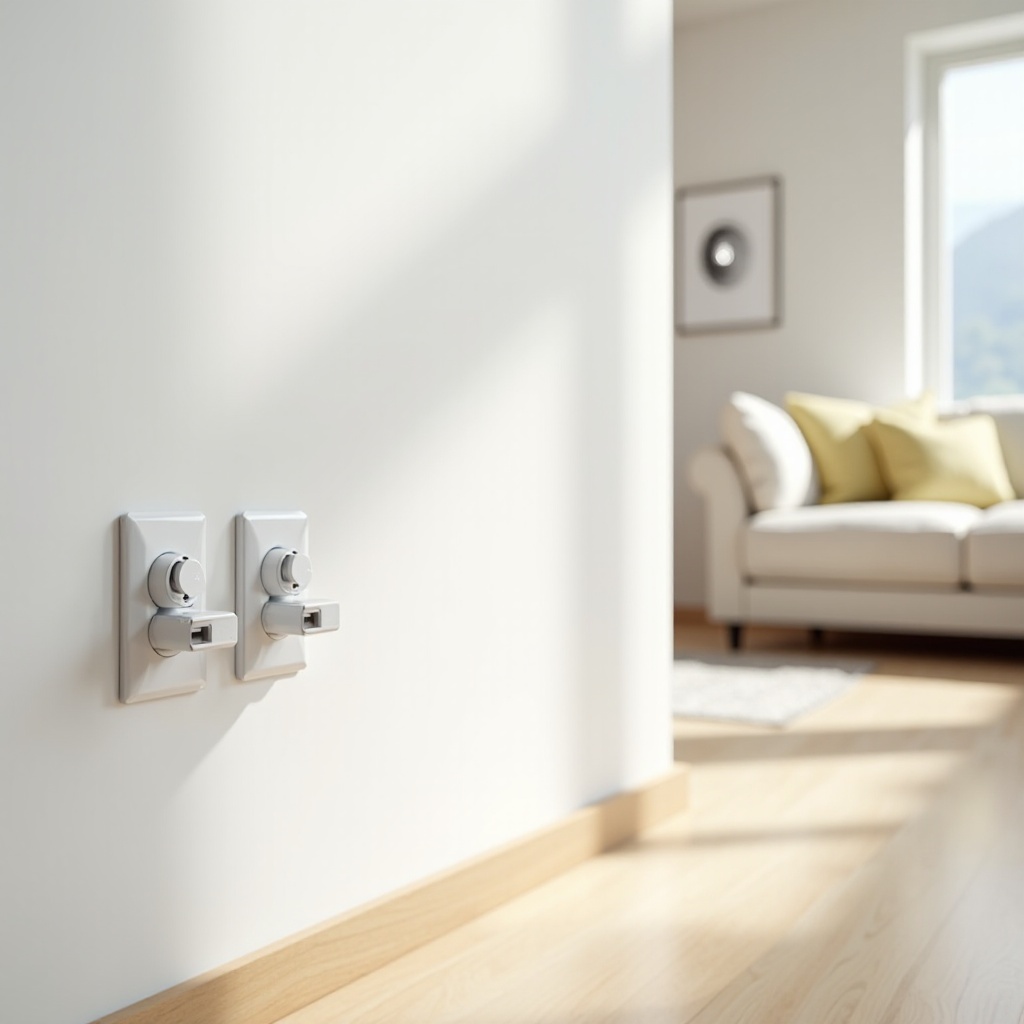
Quick Picks: Best Overall, Best Budget, Best for Apple Home, Best for Alexa/Google, Best Outdoor
- Best Overall: A Matter‑compatible in‑wall smart outlet with tamper‑resistant shutters, energy monitoring, and local control. It blends in, stays responsive, and works across platforms.
- Best Budget: A compact Wi‑Fi smart plug with on or off control, schedules, and basic energy tracking. It installs fast and suits lamps, fans, and small appliances.
- Best for Apple Home: A Thread‑based smart plug or in‑wall outlet with native Apple Home support and Matter for multi‑admin. Expect quick pairing and strong local automations.
- Best for Alexa or Google: A Matter‑over‑Wi‑Fi outlet with reliable cloud and local routines. It works smoothly with Echo and Nest speakers and smart displays.
- Best Outdoor: A weather‑resistant outdoor smart outlet or plug with an in‑use cover, IP‑rated housing, and 15A or 20A support. It fits holiday lights, pumps, and patio gear.
These favorites point you to strong options. Next, understand outlet types so you can match features and safety requirements to each space.
Smart Electrical Outlet Types Explained
Smart outlets come in several forms, and each serves a clear role in the home.
In‑Wall Smart Outlets
In‑wall smart outlets replace a standard receptacle and sit flush behind a plate. They deliver a clean look, permanent control, and often tamper‑resistant fronts. Pick them for living rooms, offices, and bedrooms where you want set‑and‑forget automation.
Plug‑In Smart Plugs
Smart plugs sit between your device and an existing outlet. They install in seconds and are perfect for rentals and rooms where you swap devices often. Compact shapes help avoid blocking the second socket.
USB‑C Combo Outlets
These pair standard receptacles with built‑in USB‑C, and sometimes USB‑A, for fast charging. Check wattage and USB‑PD support. Use them to reduce wall warts on counters and nightstands.
GFCI Outlets
Ground‑fault protection belongs in kitchens, bathrooms, laundry rooms, garages, basements, and outdoor circuits. GFCI trips fast if it detects a fault path and reduces shock risk in wet or damp areas.
AFCI Outlets
Arc‑fault protection reduces fire risk caused by damaged cords or compromised wiring. Many living areas and bedrooms need AFCI protection depending on your local code.
Surge‑Protected Outlets
These help absorb voltage spikes that can harm electronics. Use them for PCs, TVs, audio gear, and networking devices to improve resilience.
With types in mind, move to buying factors that determine performance, safety, and how future‑proof your setup will be.
Key Buying Factors for Modern Smart Homes
Focus on a handful of essentials when shopping for the best electrical outlets for home.
- Protocols: Matter improves multi‑platform control and local reliability. Thread creates a low‑power mesh that extends range and stability. Wi‑Fi remains fine for simple setups, especially with strong coverage.
- Power Rating: Most receptacles are 15A. Kitchens, garages, and workshops often need 20A. Match the outlet rating to the circuit. Never install a 15A outlet on a 20A only circuit.
- Tamper‑Resistant: TR shutters prevent foreign objects from entering, which helps protect children. Many areas require TR by code.
- Energy Monitoring: Built‑in metering reveals usage and costs. It helps you cut phantom loads and automate savings.
- Form Factor: Low‑profile plugs avoid blocking adjacent sockets. Decora‑style in‑wall outlets match modern plates for a clean look.
- Local Control and Privacy: Devices that keep core functions local deliver faster automations and less data exposure.
- Firmware Support: Regular updates fix bugs, improve security, and add features. Favor brands with transparent update policies.
Once you know what matters in hardware, align it with your platform so your outlet integrates smoothly from day one.
Compatibility and Ecosystems
Smart outlets work best when they match your preferred ecosystem and controller.
- Apple Home: Thread and Matter enable fast pairing and stable local control. QR‑based setup and multi‑admin sharing simplify management across devices.
- Amazon Alexa: Wi‑Fi and Matter outlets pair readily with Echo speakers. Use Routines to schedule lights and cut power overnight.
- Google Home: Matter improves cross‑brand reliability and keeps voice control and automations consistent.
- SmartThings: Zigbee, Z‑Wave, and Matter appear here. If you own older hubs, verify compatibility before buying new outlets.
- Multi‑Platform Homes: Matter bridges platforms, so you can mix Apple Home, Alexa, and Google devices. Confirm you have a Thread border router if you choose Thread products.
With the platform set, install in‑wall smart outlets in rooms where looks and permanent control are top priorities.
Best In‑Wall Smart Outlets for Home
In‑wall smart outlets shine in spaces that benefit from a tidy, always‑available control point. They replace your current receptacle and keep automation running all day.
Pros:
– Clean appearance with no dongles or bulky plugs
– Always available for schedules and routines
– Tamper‑resistant options meet code and improve safety
– Some models offer energy monitoring and per‑receptacle control
Cons:
– Requires wiring skills and a neutral wire in most cases
– Costs more per install than basic smart plugs
– Harder to move if you rearrange rooms
Who they suit:
– Homeowners who want a seamless setup in living rooms, bedrooms, and home offices
– Users seeking Matter and Thread for stable local control
– Families who value child‑safe TR designs and reliable schedules
Place in‑wall outlets behind media consoles, beside desks, and near standing fans that run on routines. If flexibility matters more than a clean look, skip wiring and choose smart plugs.
Best Smart Plug Alternatives
Smart plugs bring control with almost no effort. You plug them in, pair them, and start automation. They fit rentals, dorms, and spaces where you move devices often.
Advantages:
– Install in seconds with no tools
– Move between rooms as needs change
– Often cost less than in‑wall models
– Work well for lamps, humidifiers, and coffee makers
What to look for:
– Compact size that leaves the second socket open
– Matter or Thread for local control and cross‑platform support
– Energy monitoring with clear charts or exports
– A physical button for quick manual on or off
Smart plugs add a flexible layer over your electrical plan. Safety still leads every decision, which brings us to required protections and code basics.
Safety Essentials: GFCI, AFCI, Tamper‑Resistant, and Code Basics
Safety stands at the center of any outlet upgrade. GFCI protection belongs in wet or damp locations. It cuts power quickly when a ground fault appears. Test GFCI monthly using the built‑in button.
AFCI protection reduces fire risk from damaged cords or wiring. Many living spaces and bedrooms require AFCI by local code. You can use AFCI breakers or AFCI outlets to meet requirements. Speak with a licensed electrician if you are unsure.
Tamper‑Resistant outlets add shutters that block foreign objects unless both prongs press in together. Choose TR outlets for child safety and compliance.
Code basics to follow:
– Match outlet rating to circuit amperage
– Respect box fill limits and depth requirements
– Ground and bond correctly
– Label line and load on GFCI installs
With safety in place, you can plan durable outdoor and garage runs that handle weather and heavy loads.
Outdoor and Garage Outlets
Outdoor and garage spaces demand tougher hardware and correct protection.
Weather‑Resistant and Covers
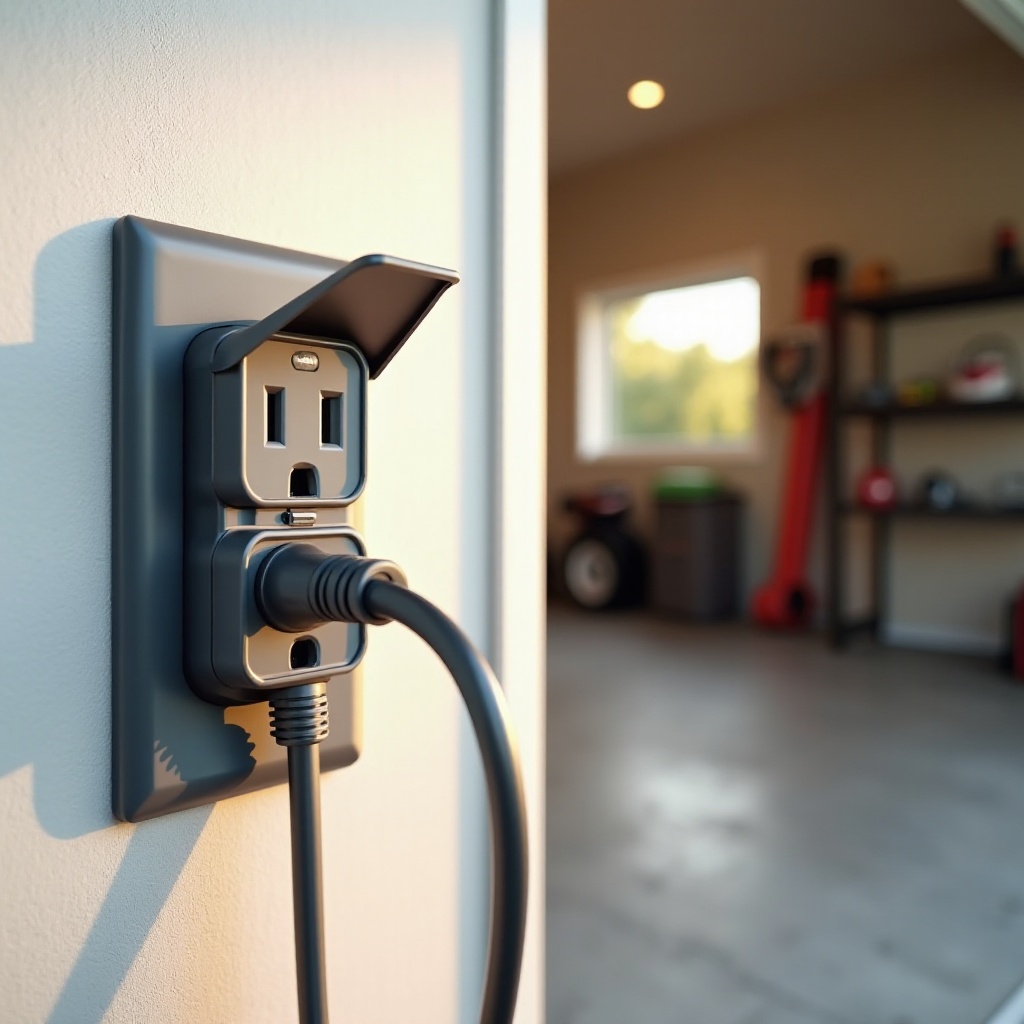
Use weather‑resistant WR outlets outdoors. Pair them with in‑use covers that protect plugs while connected. Check IP ratings for outdoor smart plugs in splash zones and exposed areas.
Circuits and Protection
Garages and workshops often need 20A circuits for tools. Match outlet rating and wire gauge. Exterior circuits should include GFCI protection. Place GFCI at the first outlet on the run or use a GFCI breaker.
For smart control outside, pick outdoor‑rated devices with robust housings. Ensure strong Wi‑Fi or Thread coverage across patios and sheds. Use schedules for holiday lights, pumps, and fountains.
Once outdoor needs are handled, refine indoor habits with energy monitoring, schedules, and automations.
Energy Monitoring, Schedules, and Automations
Energy monitoring turns outlets into insight tools. You see what each device draws, set goals, and remove waste. Many homes save by killing phantom loads from TVs, game consoles, and cable boxes.
Practical tactics:
– Create schedules that turn off entertainment centers overnight
– Use occupancy sensors to cut power to fans or lamps when rooms empty
– Track appliance usage to plan upgrades that lower consumption
– Export monthly data to check trends and adjust routines
Automations scale across devices when they share a solid protocol. Matter and Thread help keep actions quick and reliable. With savings underway, install smart outlets correctly so your system stays safe and responsive.
Installation Basics and Setup Tips
Plan your install before you open a wall plate. Many in‑wall smart outlets need a neutral wire. Confirm neutrals in the box and measure box depth so the outlet body fits. If space is tight, swap to a deeper box and use appropriate brackets.
Pre‑check and Power Off
Turn off power at the breaker and test with a non‑contact voltage tester. Map circuits to avoid surprises and label cables before you disconnect anything.
Wiring and Mounting
For GFCI installs, identify line and load and follow the diagram carefully. Secure ground, check wire gauge, and match the outlet rating to the circuit. Fit the outlet, tighten screws to the manufacturer torque, and install the plate.
Commissioning and Range
Power up and commission with the app or platform QR code. For Thread devices, confirm your router or smart speaker acts as a border router. For Wi‑Fi devices, ensure a strong 2.4 GHz signal and limit interference. Test automations and verify manual control.
With hardware online, protect privacy and keep firmware fresh so routines remain fast and secure.
Privacy, Security, and Firmware Updates
Privacy and security matter in every smart home. Favor outlets that support local control so basic tasks work without cloud calls. Review app data practices and disable unnecessary analytics. Use strong, unique passwords and multi‑factor authentication where available.
Local Control and Data Hygiene
Local processing keeps automations fast and reduces exposure. Limit third‑party integrations you do not need. Review permissions and audit which devices see each other.
Firmware and Change Management
Enable automatic updates or check monthly for new releases. Read notes for security fixes and features. Update one device at a time to isolate issues.
Network Segmentation and Backups
If possible, place smart devices on a separate SSID or VLAN. Keep backups of automations or scenes. Document IP assignments for hubs and border routers.
A secure base makes troubleshooting simpler when devices misbehave or drop offline.
Troubleshooting and Common Issues
Smart outlets can fail pairing or fall offline after a router change. Start with the basics. Reboot the outlet, router, and hub. Confirm the 2.4 GHz band is active for Wi‑Fi devices. Reduce interference by moving outlets away from metal enclosures and microwaves.
Pairing Problems
If commissioning fails, factory reset the outlet and retry. Scan the correct QR code. Temporarily disable VPN or firewall rules that block discovery.
Connectivity Conflicts
For Wi‑Fi issues, set clear SSID names and avoid band steering that confuses 2.4 GHz devices. For Thread issues, confirm a border router is active and placed centrally.
Automation Glitches
If a routine stalls, test local control with a physical button press. Rebuild the automation step by step. Update firmware on the outlet and controllers.
Stable systems reduce maintenance and cost over time. Budget with the entire stack in mind so upgrades align with long‑term goals.
Budgeting and Total Cost of Ownership
Budget beyond the device price. Include plates, deeper boxes, and tools if you install in‑wall models. If you pick Thread products, check if your router or smart speaker already acts as a border router so you avoid extra hub costs.
Upfront and Ongoing Costs
Compare per‑outlet costs across in‑wall models and smart plugs. Factor installation time and any electrician labor. Include occasional replacement of outdoor covers and surge gear.
Savings and Value
Estimate the savings from energy monitoring and schedules. Count the time saved by reliable local automations. Consider how flexibility from smart plugs reduces future rewiring.
Warranty and Support
Review warranty length and support responsiveness. Favor brands with clear documentation and active update channels. Total value includes safety features, software support, and customer care.
A balanced budget often mixes permanent in‑wall control in key rooms with flexible plugs where you experiment or move devices often.
Room‑by‑Room Recommendations
Every room has unique needs. Match outlet type, protection, and smart features to the tasks at hand.
Kitchen
Install GFCI for safety. Add a USB‑C combo outlet at the counter for fast charging without wall warts. Use smart plugs for countertop appliances with schedules, such as coffee makers and slow cookers.
Living Room
Place an in‑wall smart outlet behind the TV and media console. Use energy monitoring to cut phantom loads. Add a compact smart plug for lamps that you move or swap.
Bedrooms
Favor tamper‑resistant outlets for safety. Use in‑wall smart outlets for bedside lamps and fans with quiet schedules. Thread or Wi‑Fi control works well here.
Home Office
Pair surge‑protected outlets with smart plugs for monitors and printers. Create automations that turn everything off when you lock the PC or leave the room.
Nursery
Choose TR outlets at every location. Use smart plugs for night lights and white‑noise machines with gentle schedules. Keep cords short and visible.
Garage and Outdoors
Install WR outlets with GFCI. Use 20A circuits where tools demand it. Outdoor smart plugs manage holiday lights and pumps with sunrise or sunset schedules.
With room‑by‑room plans set, you can wrap up by prioritizing safety, clean installs, and reliable automations that serve the whole family.
Conclusion
The best electrical outlets for home combine safety, smart control, and clean design. Start with required GFCI, AFCI, and tamper‑resistant picks. Place in‑wall smart outlets where you want permanent, tidy control. Use smart plugs for flexible devices that move between rooms.
Choose Matter and Thread for reliable local automations, or Wi‑Fi for simple setups with solid coverage. Keep firmware updated, protect privacy, and test routines for consistency. Build room by room, refine energy habits with monitoring, and keep an eye on long‑term value. The result is a safer, easier, and more efficient home that fits your lifestyle.
Frequently Asked Questions
What is the difference between a smart outlet and a smart plug, and which is better for rentals?
A smart outlet replaces the receptacle and looks seamless. A smart plug inserts into an existing outlet and moves easily. For rentals, choose compact smart plugs to avoid rewiring.
Do I need Matter and Thread for the best electrical outlets for home, or is Wi-Fi enough?
Matter and Thread improve local control, speed, and cross-platform support. Wi-Fi is enough for small setups. If you plan to scale or mix platforms, pick Matter for future-proofing.
How do I choose between GFCI, AFCI, and surge-protected outlets for each room?
Use GFCI in wet areas like kitchens and bathrooms. Use AFCI in living spaces and bedrooms. Add surge protection for electronics in offices and media rooms. Combine as code allows.