Introduction
Razer has long been synonymous with high-quality audio, making it a top choice for gamers and audiophiles who crave superior sound. Razer’s speaker lineup not only promises innovation but ensures that users are enjoying a captivating auditory experience. However, with a plethora of options available, choosing the perfect Razer speaker for your needs can be daunting. This guide will dive into what makes Razer speakers exceptional and reveal the top models of 2024 that are set to transform your listening experience.
Rooted in cutting-edge technology, Razer speakers are designed for those who appreciate audio excellence. Whether you’re a dedicated gamer seeking crystal-clear auditory cues or a music enthusiast wanting deep bass, understanding Razer’s offerings will guide you to the right choice.
Why Razer Speakers Stand Out
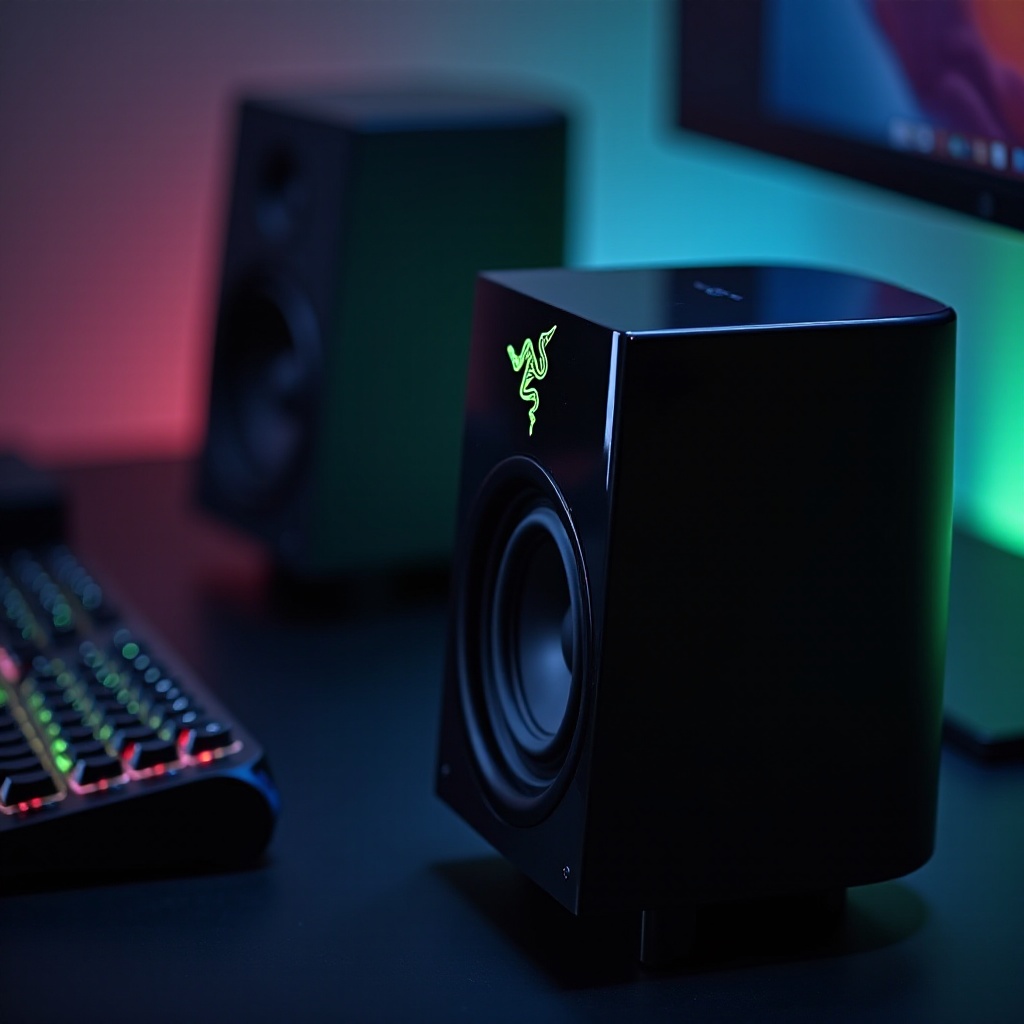
Razer continuously advances audio technology, producing speakers that offer both stunning sound and aesthetic appeal. Each speaker features superior elements like THX Spatial Audio, providing an all-encompassing 360-degree soundscape, and customizable RGB lighting to elevate the user’s environment.
What sets Razer speakers apart is their ability to create immersive auditory experiences with specialized tech tailored for gamers, such as enhanced bass and automatic EQ settings for various game genres. Razer’s focus on sleek designs ensures their speakers provide performance while enhancing any room’s look.
Through technology and design integration, Razer speakers become a preferred option for those in pursuit of quality auditory output. Let’s explore the premier models available this year and their distinct advantages.
Top Razer Speakers in 2024
Razer Nommo Pro: Superior Sound and Design
The Razer Nommo Pro stands as a favorite for gamers demanding unparalleled audio fidelity. This model incorporates Dolby Virtual Speaker technology along with a robust downward-firing subwoofer, earning acclaim for delivering rich, immersive sound with clear vocals, ideal for gaming or movie watching.
Key features include:
– THX certification for cinema-quality audio.
– Independent tweeters providing clear sound.
– RGB lighting for desktop sync.
The Nommo Pro is a top-tier choice, albeit with a higher price point. For those prioritizing exceptional sound, it offers substantial value in its performance.
Razer Leviathan V2: Compact Yet Powerful
For users with limited space, the Razer Leviathan V2 offers a compact design without sacrificing performance. Designed as a soundbar, it’s perfect for users needing a space-efficient audio setup while maintaining top-notch sound quality. It’s versatile, catering to both gaming and everyday use.
Features include:
– Multiple drivers for broad frequency coverage.
– Bluetooth connectivity for seamless wireless streaming.
– Effortless integration with existing gaming setups.
The sleek design and wireless functionality make the Leviathan V2 a solid choice for gamers and general consumers alike, providing surprising depth of sound in a small package.
Razer Nommo Chroma: Aesthetic and Performance
For those balancing looks and performance, the Razer Nommo Chroma fits the bill. Merging impressive sound with adjustable RGB lighting, it allows full personalization of the audio environment. This speaker set provides an engaging auditory experience while appealing visually.
Highlighted features are:
– Full-range drivers for an enriched sound experience.
– Customizable RGB lighting for added personal touch.
– Intuitive controls with accessible volume and power settings.
The Nommo Chroma serves individuals who want a visually striking yet functional audio tool, blending style with quality audio seamlessly.
Choosing the Right Razer Speaker for Your Needs
Finding the right Razer speaker means considering your specific requirements. Evaluate how you plan to use the speakers. Are they for gaming, music streaming, or both?
Points to consider:
1. Use Case: Different usage scenarios may require different audio features. Gaming enthusiasts may need speakers offering complete 360-degree soundscapes.
2. Budget: Set price limits based on the features you find necessary.
3. Space Constraints: Match the speakers’ size to your desk or room dimensions.
4. Specifications: Pay close attention to frequency response, connectivity options, and other unique features.
Identifying these points will help you decide which speaker best suits your audio setup and expectations.
Tips for Optimizing Your Razer Speaker Setup
To fully enjoy your Razer speakers, appropriate setup and fine-tuning are key. Consider the following tips:
- Placement: Position speakers at ear level for the best sound experience and keep them evenly spaced around your setup.
- Calibration: Leverage software for optimal audio adjustments. Razer often provides applications to fine-tune settings such as bass, treble, and surround sound.
- Connection: Utilize high-quality connections like HDMI or optical audio for the best sound transmission.
- Maintenance: Regular cleaning helps prevent dust from affecting sound quality over time.
Following these guidelines ensures your Razer speakers perform at their peak, offering a tailored listening experience.
Conclusion
Investing in the best Razer speakers leads to an elevated audio experience whether for gaming, music, or movies. Each model described provides unique features tailored to different user needs, from dynamic gaming environments to sophisticated sound setups. With careful selection and setup enhancements, Razer speakers can drastically improve your auditory world.
Frequently Asked Questions
What makes Razer speakers different from other brands?
Razer speakers stand out due to their high-quality audio, innovative features like THX Spatial Audio, and customizable RGB lighting, enhancing both sound and aesthetics.
Are Razer speakers compatible with all gaming setups?
Yes, Razer speakers are designed for easy integration with most gaming setups, offering connectivity options including USB, Bluetooth, and auxiliary inputs.
How can I optimize the sound quality of my Razer speakers?
Position your speakers at ear height, utilize Razer’s software for audio calibration, ensure high-quality connections like HDMI or optical, and maintain regular cleaning to preserve sound quality.