Introduction
You call a friend, hear multiple rings, but they later say their battery was dead. Or your own phone hits 0 percent, yet people report it rang on their end. These moments spark the question that drives this guide: does phone ring when dead. The short device answer is no. Yet networks often simulate ringing for callers while they try to locate the phone. That gap between what callers hear and what the device can do creates confusion.
This article untangles that gap with clear, practical guidance. You will learn what dead really means, why the caller often hears a ringback tone even when the device is offline, and how carriers, settings, and features like Wi‑Fi Calling change the outcome. We will also show you simple tests to run and fixes when calls go straight to voicemail.
We start with the quick answer. Then we build context so you can read every ring, message, and voicemail like a pro.
Quick Answer: Does Phone Ring When Dead?
A phone with a dead battery cannot ring on the device. It has no power to register on the network or respond to a paging request. However, the caller may still hear a ringback tone for several seconds while the carrier attempts to reach the phone. That sound is a network tone, not the device alerting.
If the phone is powered off, the result is similar. The network treats the device as unreachable. Depending on carrier rules, the call may present a few rings, a fast busy, an unavailable announcement, or a straight transfer to voicemail. The ringback is often simulated while the call setup process runs in the background.
To explain why this happens, we first need to define what people mean when they say a phone is dead.
What Dead Actually Means: 0% Battery vs Powered Off vs No Signal
When people ask does phone ring when dead, they usually blend three different states. Each behaves differently for callers and on the network.
0% Battery Automatic Shutdown
Once the battery hits zero, the device shuts down to protect hardware and data. It leaves the network and cannot be paged. The caller might still hear one to six simulated rings. After a set timeout, the carrier forwards the call to voicemail or plays a message. Nothing reaches the device until power returns and it re‑registers.
Manual Power‑Off
A manually powered‑off phone is also unreachable. From the caller perspective, carriers often behave the same way as with 0 percent battery. Some will play a few rings before voicemail. Others present a spoken notice that the subscriber is unavailable. In both cases, the device never rings because it is off.
No Service or Network Outage
In a dead zone or during an outage, the device may be on, but it cannot connect to its network. The caller may hear normal ringback for a while, then voicemail. In some regions you may hear a fast busy or a routing error. The device logs nothing because no signal path exists to deliver the call.
With those states defined, we can zero in on the caller experience and the tones and messages you are likely to hear.
What the Caller Hears in Each Scenario
Callers hear the network, not the device. While the carrier tries to locate the phone, it usually plays a ringback tone. That tone is a placeholder that says the network is working on the call, not proof that a handset is ringing on a table.
Ringback Tone Without Device Alert
If the phone is off, out of coverage, or dead, the caller can still hear multiple rings. The network simulates those rings during paging and routing attempts. When the search times out, the system forwards to voicemail if available. This is the most common outcome and the main reason the question does phone ring when dead persists.
Straight to Voicemail or Fast Busy
Some carriers skip simulated ringing when they already know the line is unreachable. They forward directly to voicemail. In other cases, the caller hears a fast busy or call failed tone. Those tones often point to a local routing issue, a temporary outage, or an account problem rather than a device choice.
Carrier Error Announcements
Spoken messages like the subscriber you are calling is unavailable or this number is not reachable usually mean the line is offline, suspended, or incorrectly provisioned. Wording varies by carrier and region, but the theme is the same: the network cannot find the phone.
Understanding that the network drives the caller experience raises a fair question about device brands. Do iPhone and Android behave differently in these moments.
iPhone vs Android: Any Real Differences?
The network controls ringback and timeouts, so iPhone and Android look similar to callers when a phone is dead, off, or out of coverage. Both rely on carrier paging to receive an incoming call. If the device cannot register, neither platform can alert.
Network Behavior vs Device Behavior
Networks decide how long to try, which tones to play, and when to drop to voicemail. The device cannot change that for the caller. Whether you carry an iPhone or an Android phone, the signals that create ringback and the eventual voicemail transfer come from the carrier.
Visual Voicemail and Missed Call Indicators
Where the platforms diverge is after the fact. When power returns, visual voicemail downloads, transcripts sync, and missed call records appear. The caller experience does not change, but the recipient may see different notifications and voicemail apps depending on the platform and carrier.
Because carriers set the rules that shape ringback and voicemail, you should know the most common timers and forwarding options.
Carrier Factors: Ring Count, Timeouts, and Voicemail
Most carriers set a default time to voicemail between roughly 20 and 30 seconds, which often translates to four to six rings. They can also adjust conditional forwarding rules that apply when the line is busy, unanswered, or unreachable. Together, these settings decide what callers hear when your phone cannot answer.
Typical Time‑to‑Voicemail Windows
A common default is about 25 seconds. If your phone is unavailable, you may hear fewer or more simulated rings depending on network conditions and routing. Heavy congestion or poor intercarrier links can change the exact number of rings a caller hears.
Conditional Call Forwarding Rules
Forward when unreachable sends calls straight to voicemail or to another number whenever the phone is offline. If you enable that rule, callers may never hear ringback when your phone is dead, even though they might when the rule is disabled. You can ask support to reset these rules or adjust the timeout.
Carrier rules do not act alone. Your own settings can make a live phone behave like it is dead to callers. The next section covers the most common modes.
Modes That Mimic a Dead Phone: Airplane Mode, Do Not Disturb, Focus
You can make an active, powered phone look unreachable to callers with certain settings. The most common examples are Airplane Mode, Do Not Disturb, and Focus schedules.
Airplane Mode Symptoms for Callers
Airplane Mode shuts down cellular radios. The device stops registering with the network. To callers, the outcome mirrors a powered‑off phone: simulated rings and then voicemail, or a quick transfer to voicemail if forwarding rules are strict.
Do Not Disturb and Focus Silencing
With Do Not Disturb or a Focus mode, the network still delivers calls. The device just stays quiet. Callers hear normal ringback tones, and your phone records a missed call and possibly a voicemail notice. To the caller, it sounds like a standard no answer event, not a dead battery. To you, it feels like a silent miss.
These modes can cloud judgment when you try to tell a blocked call from a dead phone. The next section shows how to separate those cases.
Blocked Number vs Dead Phone: How to Tell the Difference
Blocked calls and dead phones can produce similar outcomes. No single clue is perfect, but a mix of tests helps you tell them apart.
Clues for Callers (Rings, Voicemail, Announcements)
- One ring then voicemail, every time, often suggests blocking or a very short voicemail timer.
- Several rings followed by voicemail usually suggest no answer or an unreachable device with a standard timeout.
- A spoken unavailable or not in service message points to a line or account problem rather than blocking.
- Test from two different numbers. If only one number fails the same way, blocking is likely.
Clues for Recipients (Logs, Silence, Settings)
- Blocked callers often do not appear in the Recents list, depending on platform and settings.
- Do Not Disturb shows missed calls in your logs, but you will not hear an alert at the time.
- If all callers go straight to voicemail, check Airplane Mode, call forwarding, and your account status.
If your line itself is not active, the caller experience changes again. Removing the SIM or disabling an eSIM line is a prime example.
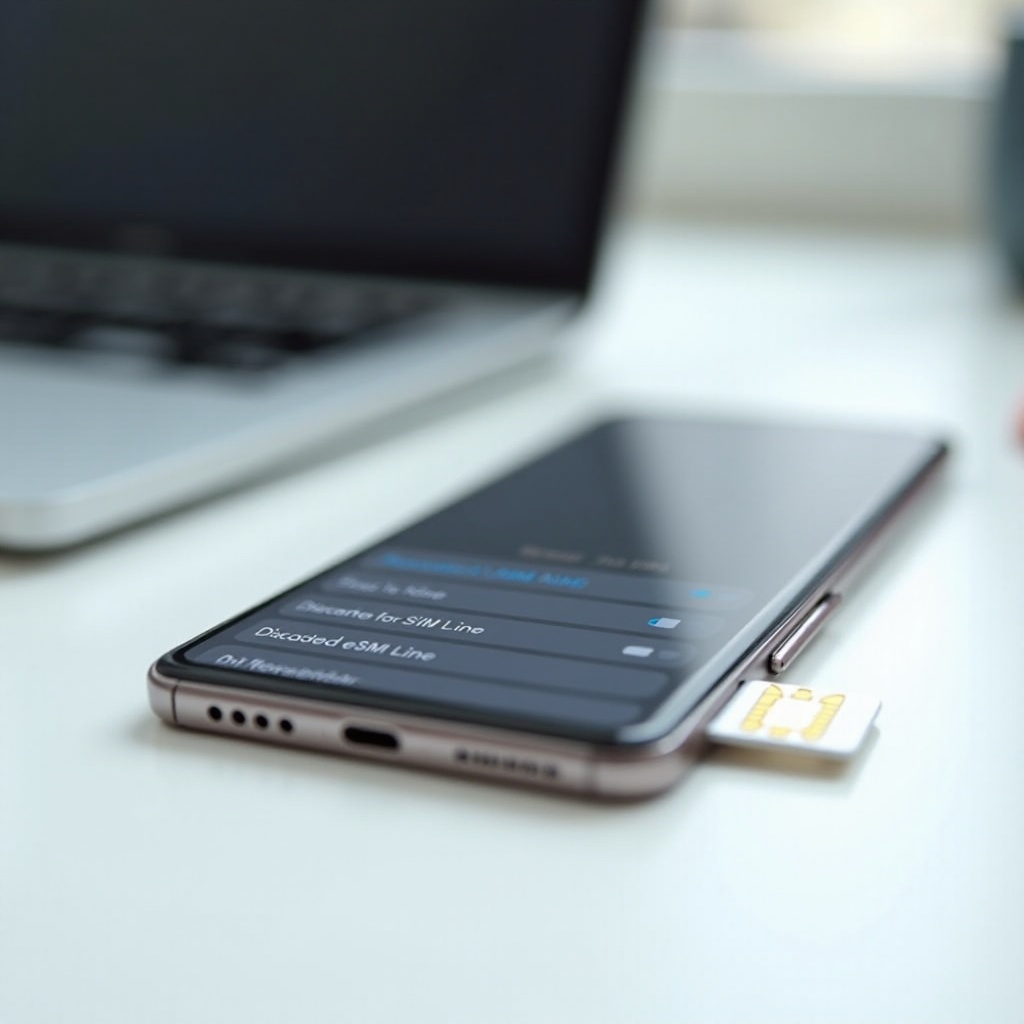
SIM Removed or eSIM Line Disabled: What Changes
Without an active line, the carrier cannot reach the device at all. The call will usually present a few simulated rings before forwarding to voicemail, or it may play an unavailable message. On the device side, nothing arrives because there is no line to accept a paging request.
Dual SIM and Line Priority Behaviors
On dual‑SIM phones, turning off one line affects only that number. Calls to the active line continue as usual. Because each line may use different forwarding rules, callers to one line could hear normal rings while callers to the other line hit voicemail immediately.
Connectivity features can rescue calls in poor‑signal spaces or make things worse if they are misconfigured. That is where Wi‑Fi Calling and VoLTE enter the picture.
Wi‑Fi Calling and VoLTE: Impact on Whether It Rings
Wi‑Fi Calling routes voice over your internet connection when cellular is weak or missing. If your device stays powered and connected to Wi‑Fi, calls can reach you even in a cellular dead zone. If Wi‑Fi drops or the router blocks voice traffic, calls may fail or go to voicemail. VoLTE improves call setup speed and voice quality on cellular networks, which can change how quickly ringback starts and stops.
Wi‑Fi‑Only Environments and Home Routers
In basements, shielded buildings, or rural homes, Wi‑Fi Calling keeps the phone reachable. But misconfigured routers, flaky mesh backhauls, or ISP hiccups can interrupt the voice path. Callers might hear several rings, then voicemail, while you see no alert. Fixing Wi‑Fi quality and enabling preferred Wi‑Fi Calling often resolves these mysteries.
Besides connectivity, several special situations can produce confusing caller tones and messages. Let us cover the common ones.
Special Cases: Roaming, Number Suspension, and App Calling
When roaming, registration can lag as the device negotiates with a partner network. Callers may hear longer ringback before voicemail as the system attempts to locate you. If your number is suspended for billing or in the middle of a port, callers may hear not in service or a similar announcement. App calling does not use your carrier voice path, so it behaves differently.
Messaging and App Calls vs Carrier Voice
App calls such as WhatsApp, FaceTime Audio, or Signal rely on data. They can ring over Wi‑Fi even if cellular is dead. SMS often queues and delivers later when the device reconnects. App messages may show sent but not delivered until your phone is online. These mixed signals can mislead people into thinking the phone rang when only a server queued the message.
If you want certainty about how your line behaves, run a few quick, controlled tests.
How to Test Your Own Setup (Step‑by‑Step)
Before testing, clear variables so your results make sense. Then simulate different states and record what callers report.
Control Variables (Wi‑Fi Calling, DND, SIM)
1) Turn off Do Not Disturb or Focus.
2) Disable call forwarding and silence unknown callers features.
3) Check whether Wi‑Fi Calling is on and note its state.
4) Confirm your SIM or eSIM line is active and has service.
5) Make sure voicemail is set up and working.
Record Outcomes and Ring Counts
1) In normal conditions, have a friend call. Count rings and note whether voicemail answers.
2) Enable Airplane Mode. Have them call again. Record what they hear.
3) Power off your phone. Repeat the call test.
4) If safe, go to a known no‑service spot. Repeat.
5) Power back on and reconnect. Check missed calls, timestamps, and voicemails.
6) Repeat one scenario with a second caller to check for blocking clues.
These tests will show whether your carrier simulates ringback when the phone is unreachable and how long it waits before voicemail. If results look wrong, it is time to troubleshoot.
Troubleshooting: If Your Calls Go Straight to Voicemail
When every call dumps into voicemail, the device is either not registering or forwarding rules are too aggressive. Start with quick device checks, then involve your carrier if needed.
Device Checks (Battery, Settings, Updates)
- Charge above 20 percent and restart the phone.
- Toggle Airplane Mode off and on to refresh network registration.
- Turn off Do Not Disturb or Focus and review allowed exceptions.
- Disable call forwarding and silence unknown callers settings.
- Reset network settings if problems persist.
- Update your operating system and carrier settings.
Carrier Checks (Coverage, Forwarding, Account)
- Verify local coverage and test outdoors in open sky.
- Ask support to reset conditional forwarding and extend voicemail timeout.
- Confirm your account is active and not suspended or mid‑port.
- If you rely on Wi‑Fi Calling, confirm that it is provisioned and that your emergency address is on file.
- Request a location update or a network refresh if your device has trouble registering.
With fixes in hand, one last piece remains: clearing up the myths that keep this topic confusing.
Myths and Misconceptions to Ignore
Popular Myths About Rings and Voicemail
- If I hear ringing, the phone must be ringing on their end. False. The network often plays a simulated ringback while it tries to reach the device.
- One ring then voicemail always means I am blocked. Not always. Short voicemail timers, conditional forwarding, or poor routing can produce the same pattern.
- Texts always deliver even if the phone is dead. Not true. Many messages queue and deliver later when the device reconnects.
Conclusion
When you ask does phone ring when dead, the device answer is no. Without power, a phone cannot register or alert. The caller may still hear ringback because the network simulates it during call setup. Depending on carrier rules, forwarding settings, and coverage, calls may ring for a while, go straight to voicemail, or play an error message.
Use the tests in this guide to learn how your line behaves. Tighten your forwarding rules, tune Do Not Disturb and Focus, and improve Wi‑Fi Calling reliability where cellular is weak. If calls still skip the ring and drop to voicemail, contact your carrier to reset forwarding and registration. With a few checks and tweaks, you can make sure important calls ring when you want and route to voicemail when you do not.
Frequently Asked Questions
Why did it ring once and then go straight to voicemail?
A single ring followed by voicemail often means the network tried to reach the phone and failed quickly due to no signal, Airplane Mode, or a short voicemail timer. Some carriers also apply this pattern for blocked callers. Test from a second number and review call forwarding rules to tell blocking apart from an unreachable line.
Can emergency calls reach a phone with a dead battery?
No. Incoming calls, including those from emergency services, cannot reach a phone with no power. If the device still has power but lacks service, it may place outgoing emergency calls on any available network. That exception applies to outgoing calls only. For inbound calls, the device must be powered and registered.
Do texts or messaging apps deliver if the phone is dead?
Standard SMS usually queues with the carrier and delivers when the phone reconnects. RCS, iMessage, and apps like WhatsApp hold messages on their servers until the device is online. None can alert you in real time if the battery is dead because the phone cannot receive notifications without power.