Introduction
From playing media to backing up critical data, external CD/DVD drives remain indispensable in today’s tech landscape. Despite the surge of digital solutions, these drives offer unmatched compatibility and reliability, especially for devices that no longer feature built-in optical drives. For students, professionals, and enthusiasts preserving their media collections, choosing the right drive can enhance productivity. This blog explores the essential features to consider and presents the top choices for external CD/DVD drives in 2024.
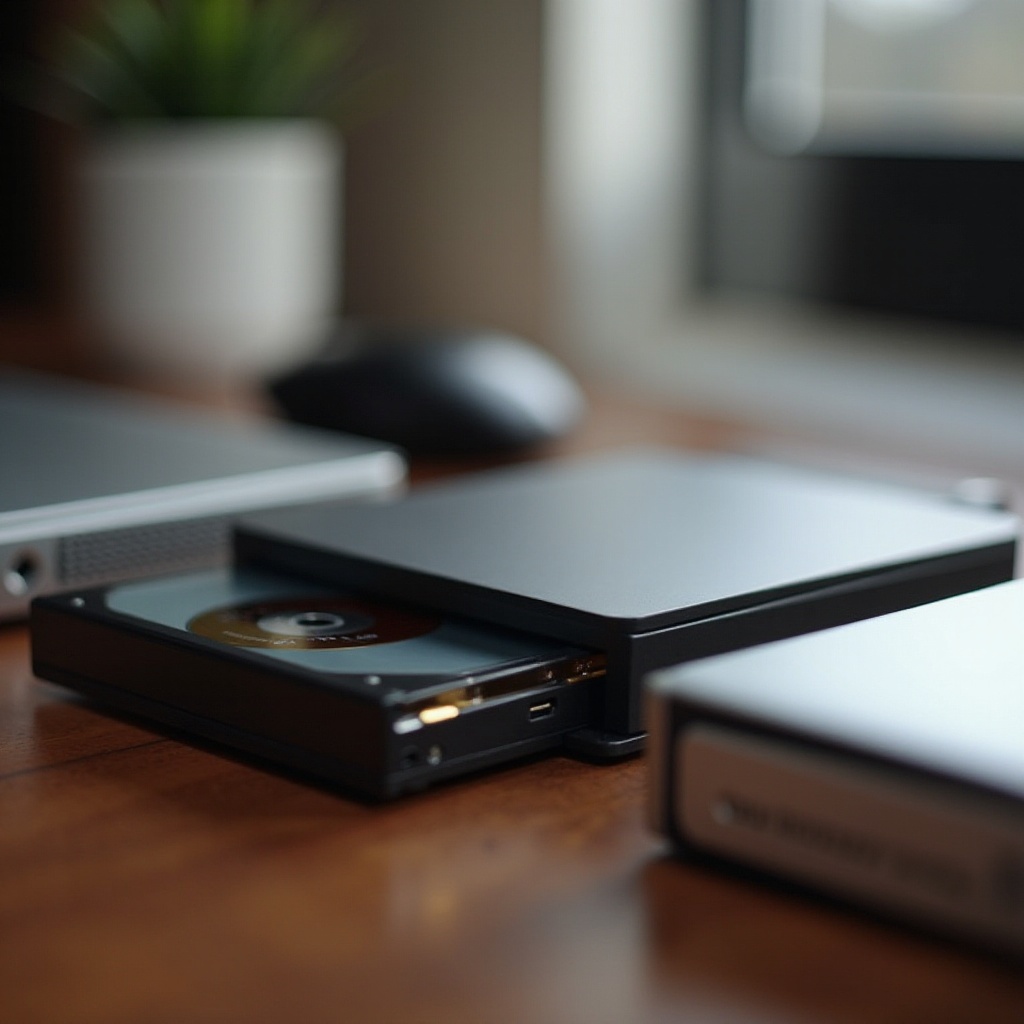
Why External CD/DVD Drives Are Still Relevant
External CD/DVD drives offer essential solutions for various computing needs. Many modern laptops and ultra-portable notebooks lack built-in optical drives in favor of sleek, lightweight designs. Here, external drives provide a pragmatic solution, offering users access to physical media without compromising on device portability. Additionally, they serve as vital tools for accessing crucial data stored on older CDs and DVDs. This need to bridge old and new data storage methods highlights the importance of these devices. Understanding which features matter most ensures you make an informed decision.
Key Features to Look For in an External CD/DVD Drive
When selecting an external CD/DVD drive, focusing on specific features ensures optimal performance and compatibility with your tech setup. Consider the following attributes for the best experience:
- Connectivity Options: Ensure the drive supports USB-C alongside traditional USB 3.0 or 2.0 to maintain compatibility with various devices.
- Read/Write Speed: Faster drives reduce wait times significantly. A higher speed rating means quicker data transfer, ensuring efficiency.
- Compatibility: The drive should work with a wide range of operating systems, including Windows, macOS, and Linux, catering to diverse user environments.
- Size and Portability: If frequent travel is part of your routine, opt for compact, lightweight models that are easy to transport.
- Additional Features: Depending on your needs, extra features like Blu-ray support might be relevant. These can provide enhanced utility and versatility.
By understanding these critical factors, you can confidently evaluate your options. Let’s delve into the standout models for this year.
Top 5 Best External CD DVD Drives for 2024
Examining the top selections of 2024, each model combines impressive performance with user satisfaction. Below are the featured models that professionals and casual users alike vouch for:
Model One
This leading model boasts extensive connectivity, featuring both USB-C and 3.0 ports. This makes it highly adaptable across various systems. Users commend its elegant design, which facilitates travel, and its commendable read/write speeds, streamlining data tasks efficiently.
Model Two
Another top contender, this drive supports Blu-ray, suiting those with rich media libraries. Its high-quality playback and archiving features appease avid media users. A robust build coupled with reliable performance ensures longevity and user satisfaction.
Model Three
This drive is celebrated for exceptional read/write capabilities, ideal for consistent file handling. Its broad compatibility smoothly integrates with both Windows and macOS systems, while its portability suits users on the go, linking seamlessly between devices.
Model Four
Renowned for its durability, this model stands out to those seeking long-lasting solutions. Its slim, minimalist structure encases powerful functionalities, including multi-format disc support, creating an comprehensive answer for typical users’ needs.
Model Five
For budget-minded customers, this model holds significant appeal. Affordable yet efficient, it offers excellent speed and compatibility, promising seamless interactions with modern laptops and desktops.
With these options, making an informed choice becomes straightforward. How do you ensure that your choice aligns best with your individual needs? Let’s explore some tips.
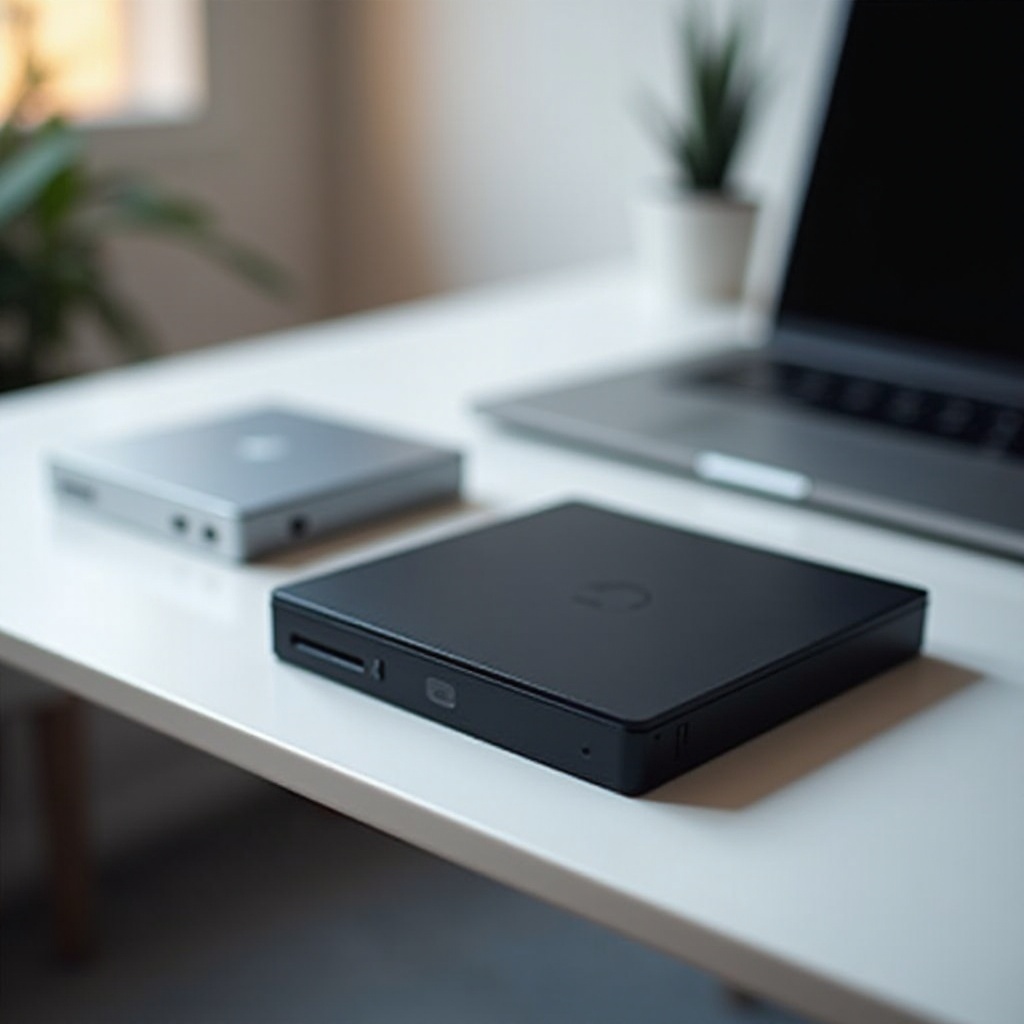
How to Choose the Right CD/DVD Drive for Your Needs
Selecting the perfect external CD/DVD drive dictates weighing your priorities and lifestyle requirements. Here are some key pointers to assist your decision:
- Primary Use: Determine if the drive is mainly for media consumption, data backup, or another purpose.
- Mobility Needs: Evaluate if portability is crucial due to frequent travel or out-of-office use.
- Media Types: Consider the formats you engage with most often, ensuring necessary compatibility like Blu-ray.
- Budget: Analyze how features align with your budget to maximize the value of your purchase.
These considerations ensure the drive you select not only meets but enhances your specific computing needs.
Conclusion
External CD/DVD drives continue as pivotal components for bridging physical and digital data worlds. Recognizing key features and assessing 2024’s elite models empowers you to choose a drive that complements and amplifies your digital experience. Whether prioritizing speed, connectivity, or media functionalities, you’re equipped to select the drive that suits your requirements completely.
Frequently Asked Questions
Can external CD/DVD drives play Blu-ray discs?
Some external drives come with Blu-ray support for enhancing media playback quality. Check the product details to ensure it meets your needs.
What operating systems are compatible with most external CD/DVD drives?
Most external CD/DVD drives are compatible with Windows, macOS, and often Linux. Confirm compatibility with your specific system before purchase.
How do I connect an external CD/DVD drive to my laptop or PC?
Connecting is simple: use the provided USB cable to link the drive to your laptop or PC. The device will typically auto-recognize and install necessary drivers.