Introduction
Door alarm sensors do one job that matters: alert you the moment a door opens or closes. The best models deliver fast notifications, long battery life, and seamless automation with your smart home platform. You can protect an apartment entry, a side door, or a detached garage without the cost or complexity of a full alarm system.
This guide focuses on what actually improves reliability day to day. We explain sensor types and connectivity options, then share quick picks for common needs. You will learn how to choose the right device, how to install it for dependable performance, and how to integrate it with Apple, Google, Alexa, or a local hub. We also show how we test sensors and the pitfalls that most people encounter. Use this to buy once, install once, and enjoy consistent peace of mind.
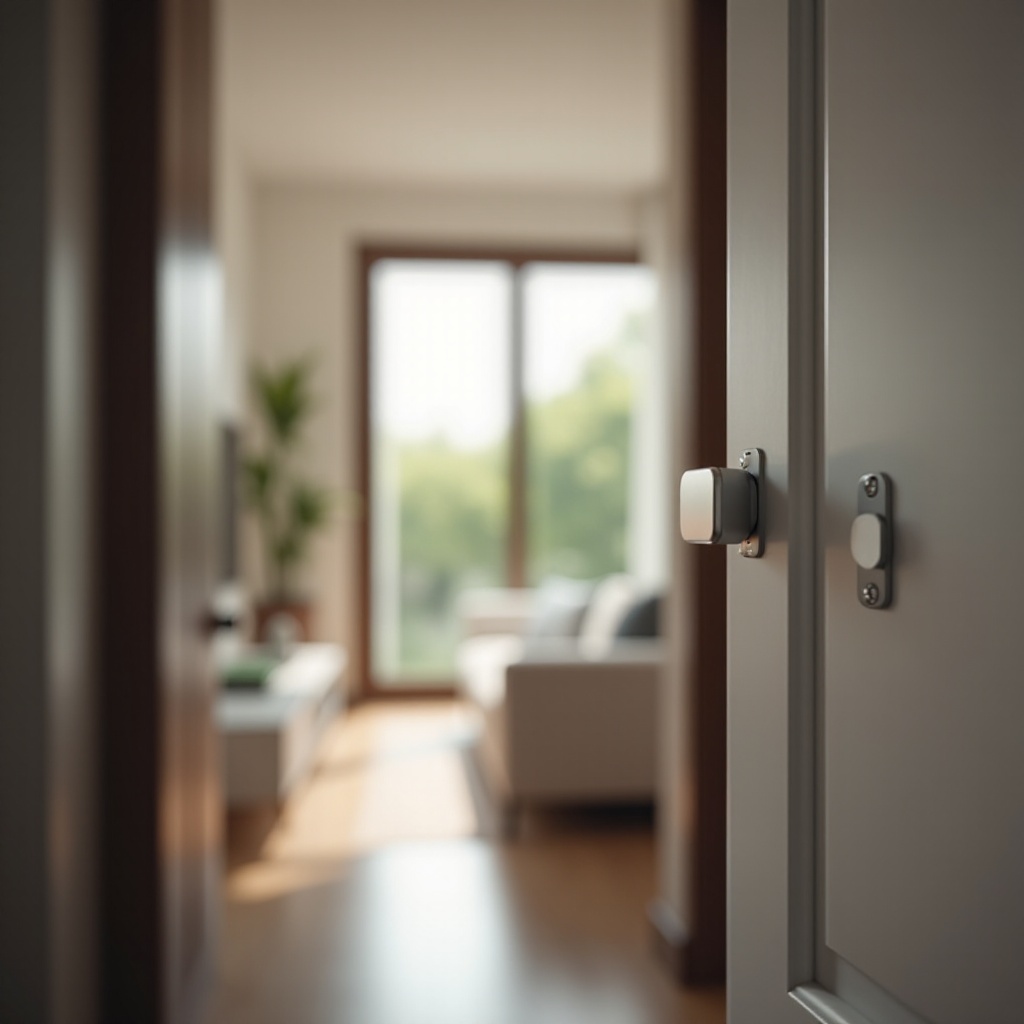
Quick Picks at a Glance
Before we dive deep, here are fast recommendations to narrow your search. Match your situation to one of these categories, then continue for the detailed why and how.
Best Overall Door Alarm Sensor
Pick a compact contact sensor that supports Thread with Matter. You gain quick, local alerts, excellent battery life, and cross-platform flexibility across Apple, Google, and Alexa. Look for strong tamper detection and a clear battery indicator.
Best Budget Under $50
Choose a hub-free Wi‑Fi contact sensor that delivers dependable push notifications and basic routines. Favor models with low-power radios, readable LEDs, and straightforward apps. Expect more frequent battery changes than mesh options.
Best for Renters (No-Drill, Move-Friendly)
Use a slim, adhesive-mounted contact sensor with removable pads. Pick an app that allows easy re-pairing after a move. A compact design avoids clearance issues on tight frames and French doors.
Best Long-Range for Detached Garages and Outbuildings
Go with a Zigbee or Thread sensor and place a hub or border router nearby to strengthen the mesh. This setup beats Wi‑Fi in metal buildings and long distances, and it maintains battery life.
Best for Matter/HomeKit (Apple Users)
Select a Thread sensor with native Apple Home support. With a HomePod mini or Apple TV acting as a border router, you get instant automations, private local control, and reliable door-left-open reminders.
Best for Ring and Alexa
Pick a sensor that integrates with Ring Alarm or an Alexa-compatible hub. You can trigger modes, set door chimes, and run routines that switch on lights or cameras when a door opens.
Best for Google Home
Choose a Matter-enabled sensor that Google Home recognizes as a trigger. You can create fast routines and notifications without extra bridges.
Best for Local Control/Home Assistant
Opt for Zigbee or Z‑Wave sensors that pair with a local hub or Home Assistant. You will keep automation data on your network and gain more granular rules without the cloud.
Best Door Alarm Sensors by Scenario
You saw the quick categories. Now connect them to real-life situations so you can pick the right path with confidence.
Best Overall: Balanced Performance, Reliability, and Ecosystem Support
A Thread sensor with Matter support delivers fast, low-latency alerts, strong security, and broad compatibility. Thread creates a low-power mesh that self-heals. If you change platforms later, Matter keeps your sensor useful. This choice fits most homes and balances performance with long-term value.
Best Budget: Affordable Entry Alerts Without Subscriptions
Wi‑Fi contact sensors under 50 dollars are easy to install and manage. You pair directly to your router and start getting alerts in minutes. Expect trade-offs: more battery drain in busy homes, occasional 2.4 GHz congestion, and simpler automation rules. For apartments and small houses, the convenience is hard to beat.
Best for Renters: Slim, Adhesive, and Damage-Free Options
When you cannot drill, focus on slim sensors and quality adhesive. Removable pads protect paint and trim. Hub-free pairing reduces complexity when you move. Consider quiet chime options and gentle push notifications so you do not disturb neighbors or roommates.
Best Long-Range: Mesh/Thread Picks for Challenging Layouts
Outbuildings and metal doors defeat weak signals. A mesh sensor plus a nearby hub or border router solves the distance and interference problem. Place a repeater or border router in a hallway or garage to stitch the path from the sensor to your network. You will see fewer missed alerts and better battery life.
Best Matter/Thread: Future-Proof and Low-Latency Choices
Matter over Thread brings fast notifications, strong encryption, and cross-platform use. Add the sensor to Apple Home, then share it with Google Home or Alexa if you want. This path limits vendor lock-in and keeps your automations running even if you change your voice assistant later.
Best for Ring/Alexa: Seamless Integration and Routines
If you already use Ring cameras or an Echo, stay in that ecosystem. Door sensors that show up in Alexa and Ring can arm and disarm modes, trigger chimes, and start lighting scenes. You can also set presence-based rules so you only get alerts when no one is home.
Best for Google Home: Fast Notifications and Automations
Google Home works best with Matter sensors that appear as reliable triggers. Pair the device, then create routines that flip lights, push alerts, or remind you when a door stays open. If you have Nest speakers or displays, use voice confirmations for door events.
Best for Local Control: Privacy-First, Hub-Friendly Sensors
Privacy-focused users prefer local hubs and no cloud dependence. Zigbee and Z‑Wave sensors excel here. With Home Assistant, you get dashboards, local logs, and complex automations. Keep in mind that you must manage your own backups and updates.
Buying Guide: How to Choose a Door Alarm Sensor
With a likely scenario in mind, compare features and trade-offs. The right choice depends on placement, platform, and how much you value battery life and local control.
Sensor Types: Contact vs Vibration vs Tilt—When Each Makes Sense
- Contact sensors use two pieces to detect open and close via magnetic alignment. They are the best fit for most hinged and sliding doors.
- Vibration sensors detect knocks or rattling. They add tamper awareness, but can trigger false alerts on windy doors or thin frames.
- Tilt sensors detect angle changes. They are ideal for garage doors and large gates where magnetic alignment is difficult.
Connectivity: Wi‑Fi, Zigbee, Z‑Wave, Thread/Matter—Pros and Cons
- Wi‑Fi: Simple setup, no hub. Pros: direct app control and quick start. Cons: more battery drain, potential 2.4 GHz congestion.
- Zigbee: Low power and reliable mesh. Pros: long battery life, many affordable choices. Cons: requires a hub or bridge.
- Z‑Wave: Strong mesh with less interference. Pros: good range and reliability. Cons: region-specific radio frequencies and a hub required.
- Thread with Matter: Modern low-power mesh with cross-platform control. Pros: fast alerts, strong security, vendor flexibility. Cons: needs a Thread border router.
Range, Reliability, and Interference: Mesh, Repeaters, and Placement
- Mesh networks extend coverage through repeaters and powered devices.
- Place hubs and border routers in open, central locations away from large metal objects.
- Avoid sticking sensors directly onto metal frames without a thin plastic spacer.
- Test signal strength and alert speed before final mounting.
Battery Life and Power: Coin Cells, AAs, Rechargeables, and Lifespan
- Coin cells like CR2032 or CR2450 often last 1 to 3 years in mesh sensors.
- AA cells last longer but create bulkier housings.
- Rechargeable options reduce waste but need periodic charging.
- Enable low-battery warnings and keep spare cells in a drawer.
App Quality, Alerts, and Automations: Speed, Granularity, and Rules
- Push alerts should arrive fast and consistently.
- Look for door-left-open reminders and customizable delays.
- Automations should allow conditions like time, presence, and mode.
- Confirm that alerts still arrive when your phone uses focus or do not disturb.
Security, Privacy, and Tamper Detection: Encryption and Local Control
- Choose brands that use modern encryption and publish privacy policies.
- Tamper switches help detect unauthorized removal.
- Local control reduces dependency on cloud services and keeps data inside your network.
Build Quality and Mounting Options: Slim Profiles and Adjustable Magnets
- Slim housings fit tight jambs and French doors.
- Adjustable magnets and spacers bridge large gaps or recessed frames.
- High-bond adhesive works on smooth paint and uPVC; consider screws on rough wood.
Ecosystem Fit: Apple, Google, Alexa, and Cross‑Platform via Matter
- Apple users benefit from Thread sensors and Home hubs acting as border routers.
- Alexa households may prefer Ring compatibility and easy routines.
- Google Home pairs smoothly with Matter sensors for native automations.
- If you mix platforms, Matter reduces future re-buying.
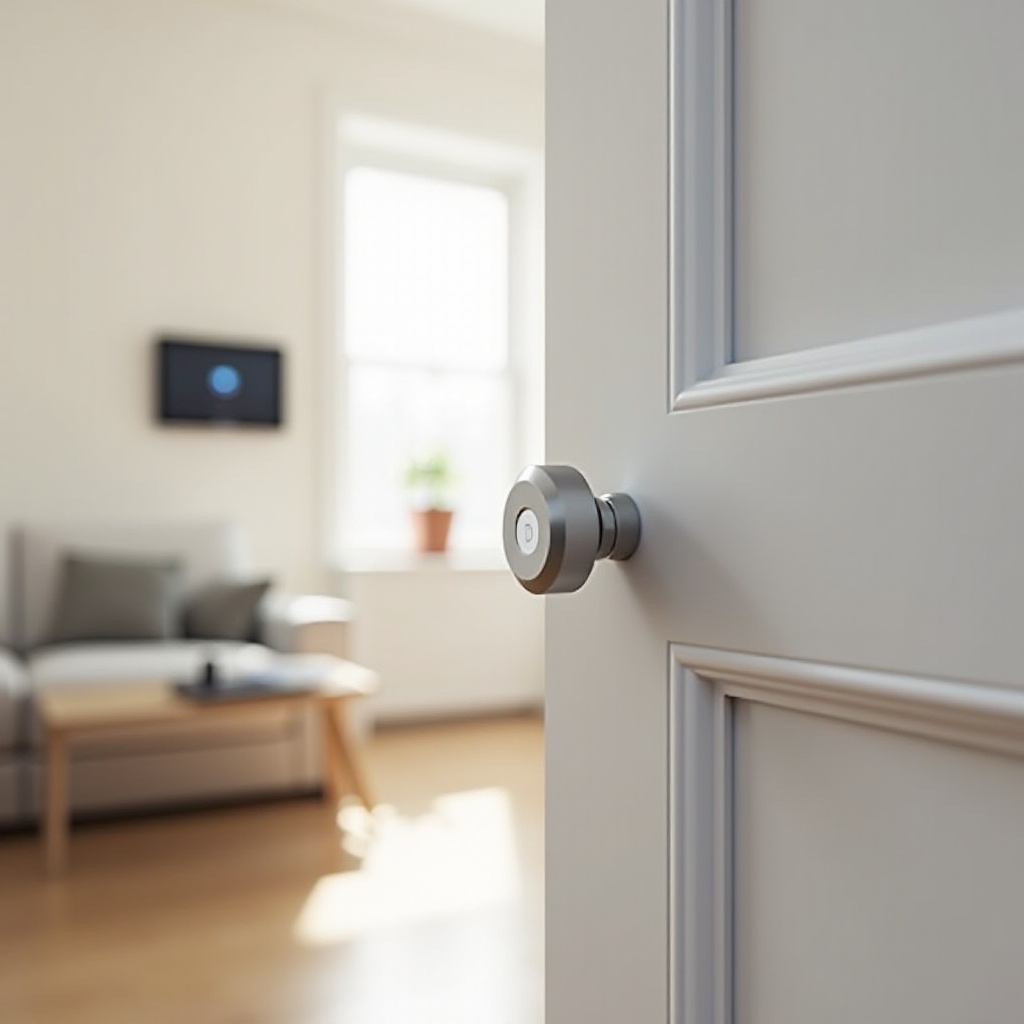
Installation and Setup Tips
You picked a sensor. Proper installation now prevents false alarms and extends battery life. Small adjustments during setup pay off for years.
Placement and Gap Alignment: Ensuring Reliable Magnet Contact
- Dry-fit both pieces before peeling adhesive.
- Align indicator marks and keep the gap within the specified tolerance.
- Test several open and close cycles to confirm the app registers each event.
Adhesive vs Screws: Wood, Metal, and uPVC Door Frames
- Clean surfaces with isopropyl alcohol and let them dry.
- Use high-quality adhesive pads on smooth paint and uPVC.
- On metal frames, add a thin plastic spacer to reduce signal loss.
- Use screws when surfaces are rough or adhesive fails over time.
Calibration, Testing, and Routine Maintenance
- After pairing, open and close the door 10 to 15 times to verify stability.
- Schedule quarterly tests and replace batteries proactively.
- Maintain a simple log if you manage many sensors.
Reducing False Alarms with Sensitivity and Delay Settings
- Add a 3 to 10 second delay for door-left-open alerts.
- Reduce vibration sensitivity on doors that flex or rattle.
- Tie alerts to home and away modes so you only get pings when needed.
Useful Automation Ideas: Chimes, Away Mode, Door‑Left‑Open Alerts
- Play an entry chime during daytime when the door opens.
- Turn on lights and start a camera recording when the door opens after sunset.
- Send a reminder if a door stays open for more than 2 minutes.
Ecosystems and Compatibility
With a solid install, integrations shape how the sensor fits your routines. Choose the platform that matches your other devices and your privacy goals.
Apple Home and Matter/Thread: Border Routers and Low‑Power Mesh
Thread sensors need a border router such as a HomePod mini or Apple TV 4K. You gain near-instant automations, robust local control, and built-in privacy. Matter lets you share the same sensor with other platforms if your household uses more than one.
Amazon Alexa and Ring: Modes, Routines, and Arm/Disarm Logic
Alexa and Ring are strong options for homes that favor voice control and whole-house monitoring. Compatible sensors can trigger Guard features, door chimes, and lighting scenes. Use Modes to filter alerts during active hours and avoid noise at night.
Google Home: Fast Notifications and Multi‑Device Actions
Google Home works best with Matter sensors as native triggers. You can connect door events to lights, speakers, and reminders. Presence-based routines cut down on unnecessary alerts when someone is home.
Local Control: Home Assistant, Zigbee2MQTT, and Privacy
Local hubs support granular automation and data ownership. With Zigbee or Z‑Wave sensors, you can run routines even when the internet is down. You also gain access to detailed logs and flexible dashboards.
Interoperability via Matter: Migrating Legacy Devices and Bridges
Matter bridges can expose older sensors to modern platforms. If you own legacy gear, verify that a bridge supports it and plan a gradual migration. Thread sensors often deliver better battery life and lower latency, so consider them for new doors.
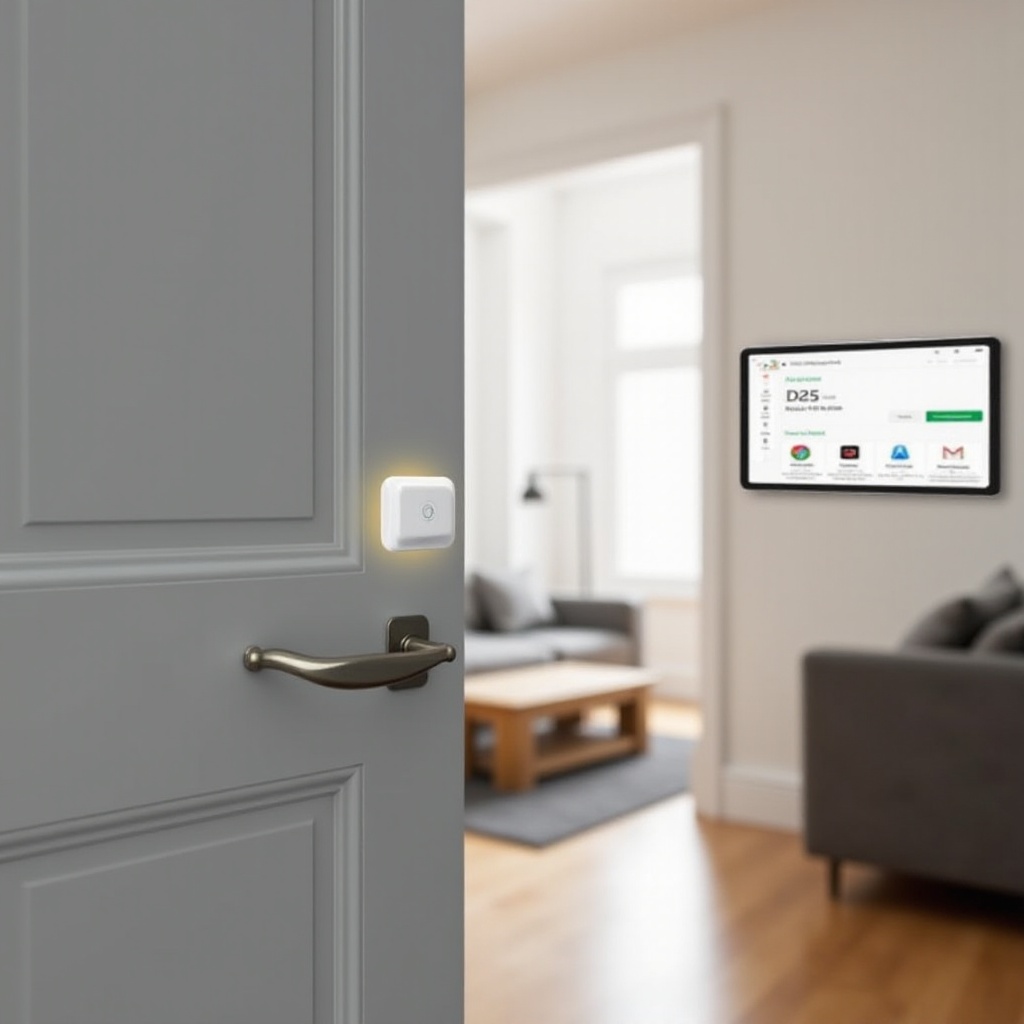
How We Test and Compare Door Sensors
Knowing what to measure helps you verify a good purchase. We focus on speed, reliability, range, battery life, and app experience.
Latency and Alert Reliability: Open/Close Timing and Push Speed
We time the gap between a door opening and a push alert arriving on multiple phones. We repeat tests at installation and after a week to check consistency. A sensor that is consistently quick beats one that is sometimes faster but unreliable.
Range and Obstruction Tests: Walls, Metal Frames, and Distance
We test sensors through multiple walls, metal frames, and long hallways. For mesh devices, we add and remove routers to see the impact. This process shows whether range problems come from the sensor, the network, or placement.
False‑Alarm Resistance: Vibrations, Slams, and Environmental Noise
We simulate knocks, slams, and wind-induced rattles. Sensors should report true openings but ignore vibration noise. We adjust sensitivity to find the lowest stable setting.
Battery Life Benchmarks: Real‑World Duty Cycles and Logging
We log daily open and close events and track voltage over time. Early low-battery warnings are essential; they give you time to swap cells before alerts fail. We favor devices that last many months without dropouts.
Integration and App Experience: Pairing, Stability, and Automation Depth
We score pairing steps, app clarity, and routine options. We check for silent failures and look for helpful logs. Stability over weeks matters more than a single fast setup.
Common Pitfalls and How to Avoid Them
We see the same problems in many homes. Watch for these issues during installation and networking to avoid headaches later.
Metal Frames and Signal Attenuation: Spacers and Antenna Orientation
Metal weakens radio signals. Add a thin plastic spacer, then rotate the sensor so the antenna faces the room. Run test alerts from different positions until you find the most reliable orientation.
Adhesive Failure and Temperature Swings: Surface Prep and Tape Choice
Dirty or cold surfaces cause adhesives to fail. Clean with isopropyl alcohol and let surfaces dry. Apply tape at room temperature and press firmly for 30 seconds. In harsh climates, use outdoor-rated high-bond tape.
Wi‑Fi Congestion and Channel Planning: 2.4 GHz Best Practices
Crowded 2.4 GHz bands slow alerts and drain batteries. Separate 2.4 and 5 GHz SSIDs if needed. Avoid channels used by neighbors. Keep your router away from microwaves and baby monitors.
Doors Left Ajar vs Open/Close Events: Using Delay and Reminders
A door that does not latch can trigger repeated alerts. Add a short delay before notifying and enable door-left-open reminders. Use routines that vary by mode so daytime use feels different from overnight.
Tamper Alerts and Privacy Settings: Preventing Unauthorized Access
Enable tamper notifications and restrict app permissions. Use two-factor authentication on accounts and hubs. Change default passwords and keep firmware up to date.
Conclusion
A single, well-chosen door sensor can elevate home security. Match your layout and platform to the right connectivity: Wi‑Fi for simple installs, Zigbee or Z‑Wave for robust meshes, and Matter over Thread for speed and future flexibility. Install carefully, test thoroughly, and tune alerts to your schedule so they enhance daily life instead of adding noise. If you rent, lean on removable pads and hub-free pairing. If you manage larger spaces, add mesh nodes and place hubs in open, central spots. With smart choices and a clean install, your door alerts arrive on time, batteries last, and automations work smoothly every day.
Frequently Asked Questions
Do I need a hub for the best door alarm sensor in 2026?
Not always. Wi‑Fi sensors connect to your router and send alerts without a hub. Zigbee, Z‑Wave, and Thread sensors usually need a hub or border router. A hub adds mesh range, longer battery life, and more reliable automations. If you plan to expand your system, a hub or Thread border router is a smart buy.
Are Matter and Thread door sensors worth it compared to Zigbee or Wi‑Fi?
For most homes, yes. Thread delivers low power use, quick response, and a self-healing mesh. Matter adds cross-platform support so you are not locked in. Zigbee remains excellent with a good hub. Wi‑Fi works for simple setups but can drain batteries faster and suffers in congested bands.
Can I use a door sensor outdoors or on a gate without false alerts?
Only with hardware rated for outdoor use. Weather and heat can loosen adhesives and cause false triggers. Use weatherproof housings, outdoor-rated tape, and spacers on metal gates. On large gates or garage doors, try tilt sensors if contact alignment is tough. Test for a week and tune delays before you rely on it.